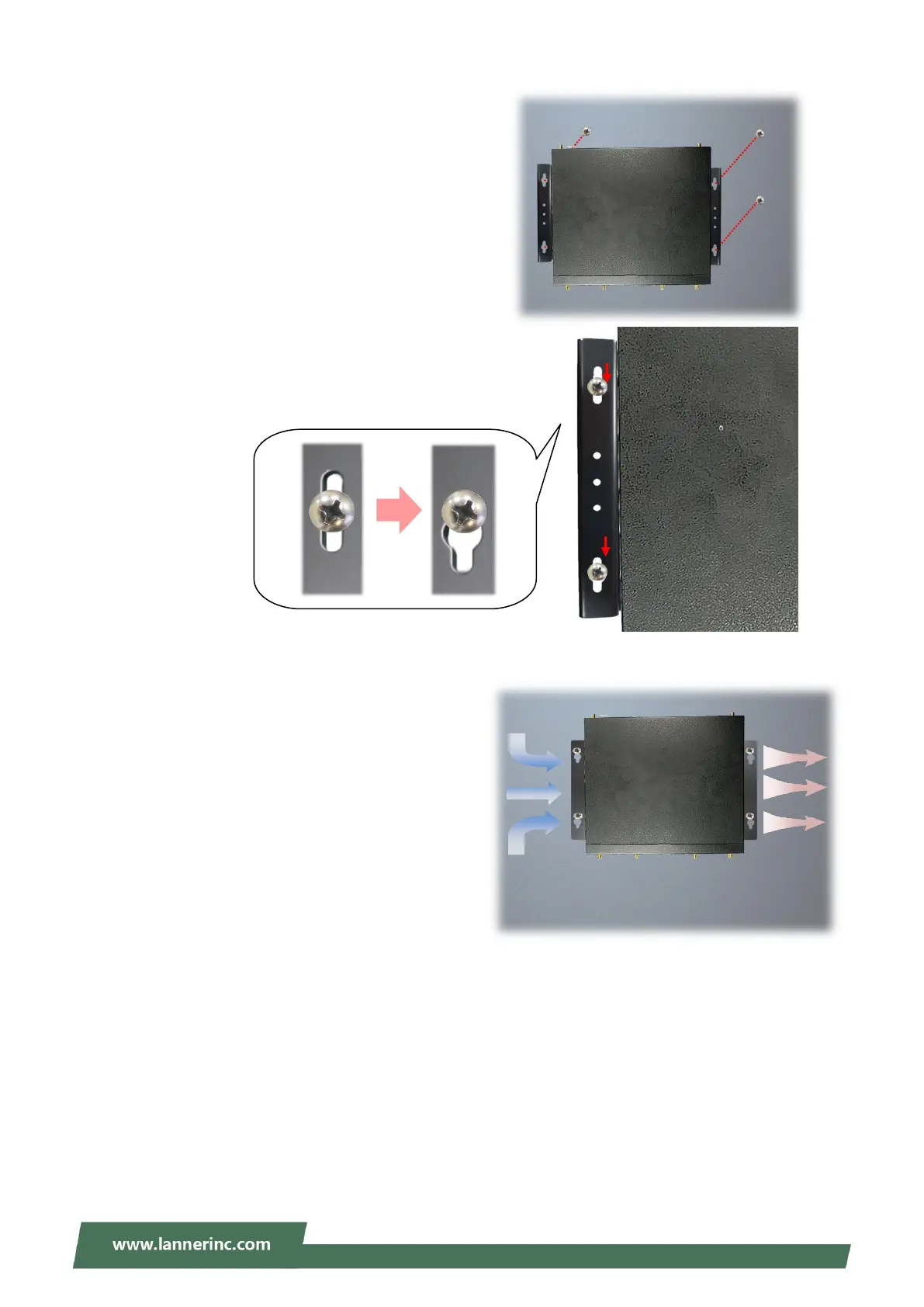
4. Align the four screw holes on the system’s wall
brackets with the four long screws you just
installed on the wall.
Engage the four screws in the bracket holes, and
push the system downwards to lock the screws
into position.
Make sure you make enough room for airflow
ventilation of the system’s intake and exhaust
openings by removing as many obstructions as
possible or through proper cable management.



 To Next Page