Chapter 4: BIOS Setup
17
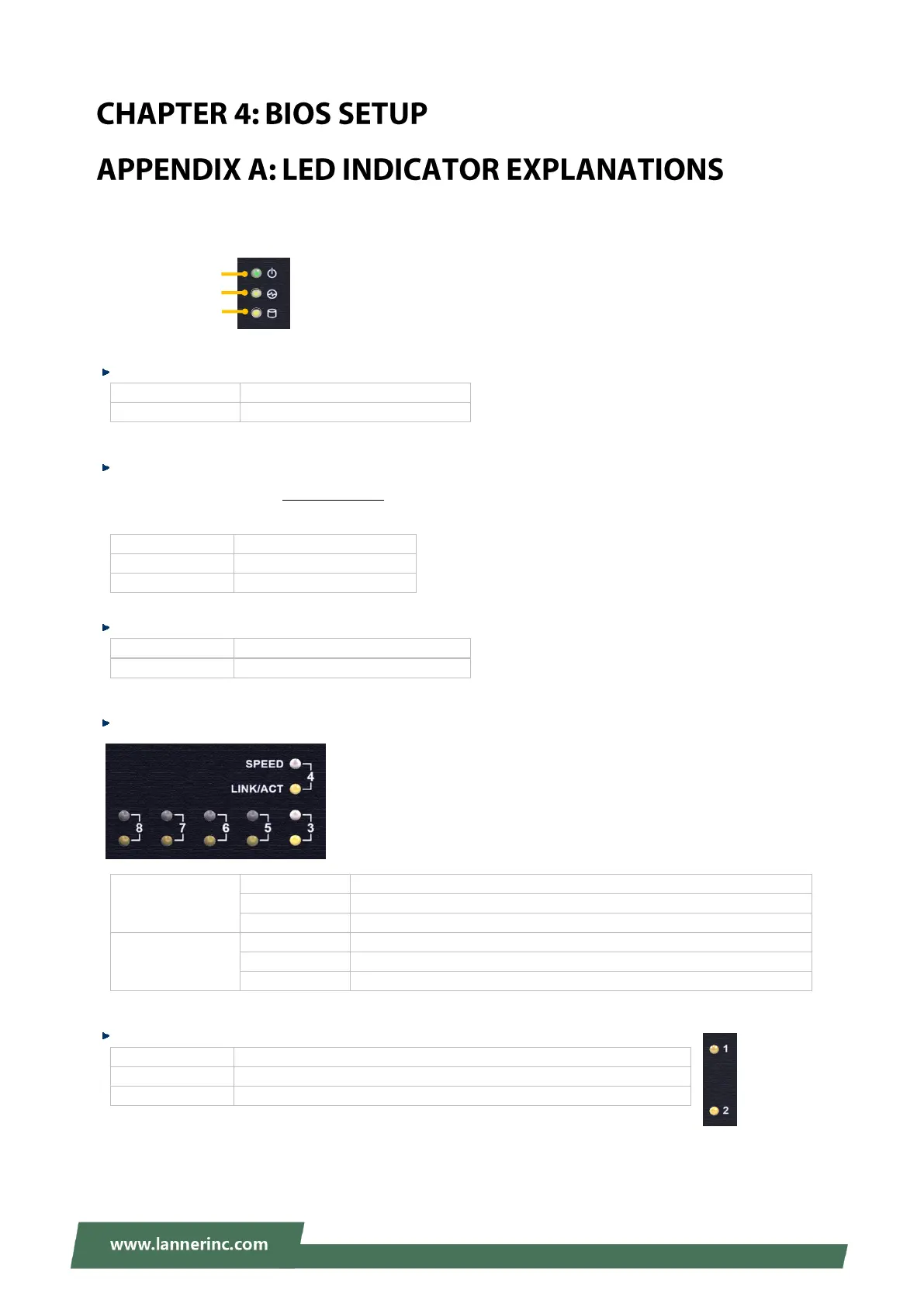
The status explanations of LED indicators on Front Panel are as follows:
System Power
The system is powered off
System Status
This LED indicator is programmable. You could program it to display the operating status of the
behaviors described below:
HDD Activity Status
No data access activities
RJ45 LAN Status
Operating as a 100 Mbps connection
Operating as a Gigabit connection (1000 Mbps)
No link has been established
Link has been established and there is no activity on this port
Link has been established and there is activity on this port
No link has been established
SFP Port
Link has been established and there is no activity on this port
Link has been established and there is activity on this port
No link has been established
System Power
System Status
HDD Activity



 To Next Page