NCA-1516 User Manual
29
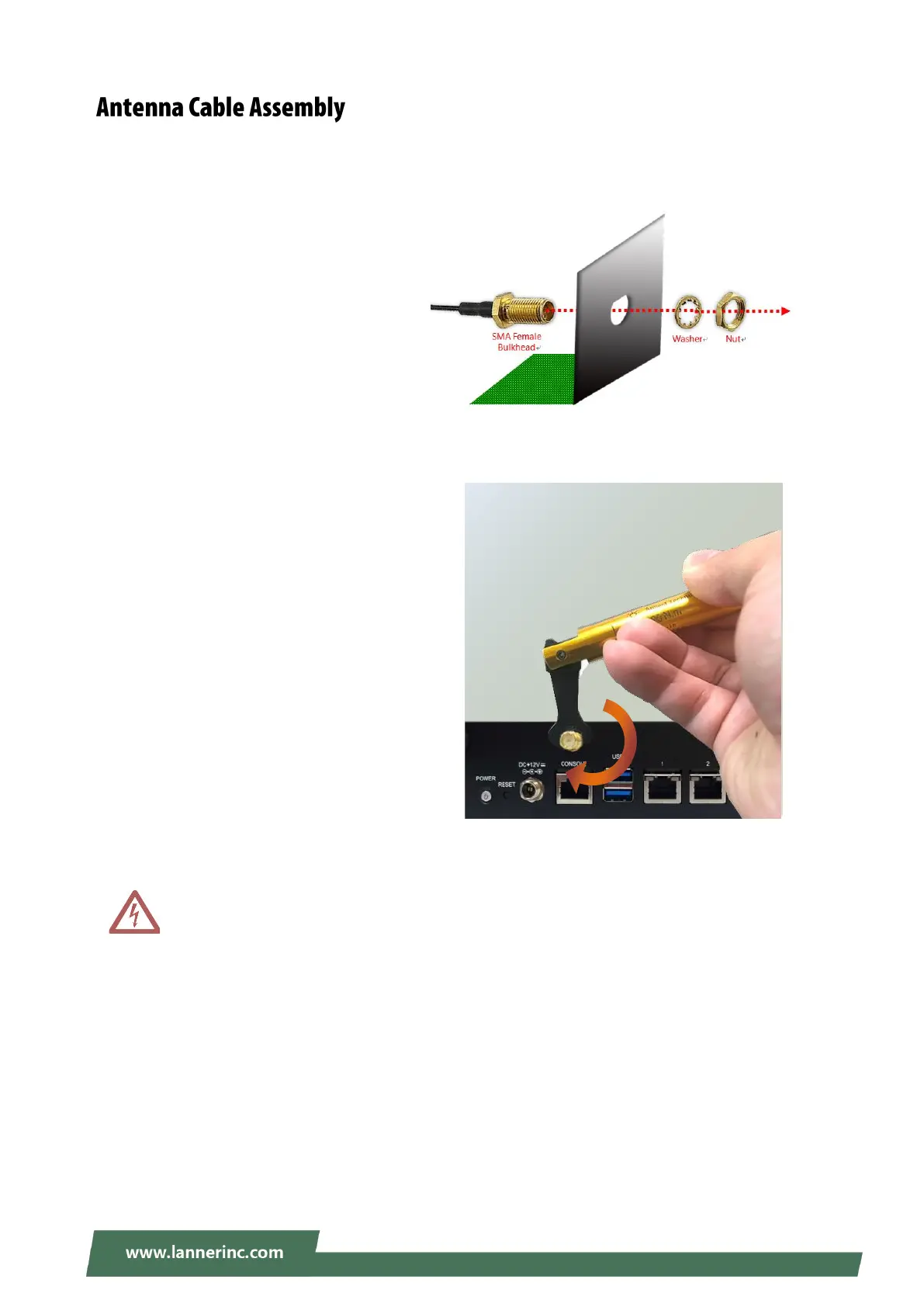
To mount the Wi-Fi/LTE antennas:
1. Take out the antenna pigtail cable from
the Antenna Kit. From inside the chassis,
insert the SMA Female Bulkhead
through the antenna hole on the panel.
2. From outside the panel, attach the
Washer and Nut, and tighten the Nut
using an SMA Torque Wrench.
Warning: Do not use any tool other than an SMA Torque Wrench to fasten the nut. For example,
general pliers or tweezers without limited twisting force are very likely to cause the distortion of
SMA connector.



 To Next Page