47
To enter the BIOS setup utility, simply follow the steps below:
1. Boot up the system.
2. Press <Delete> during the boot-up. Your system should be running POST (Power-On-Self-Test) upon
booting up.
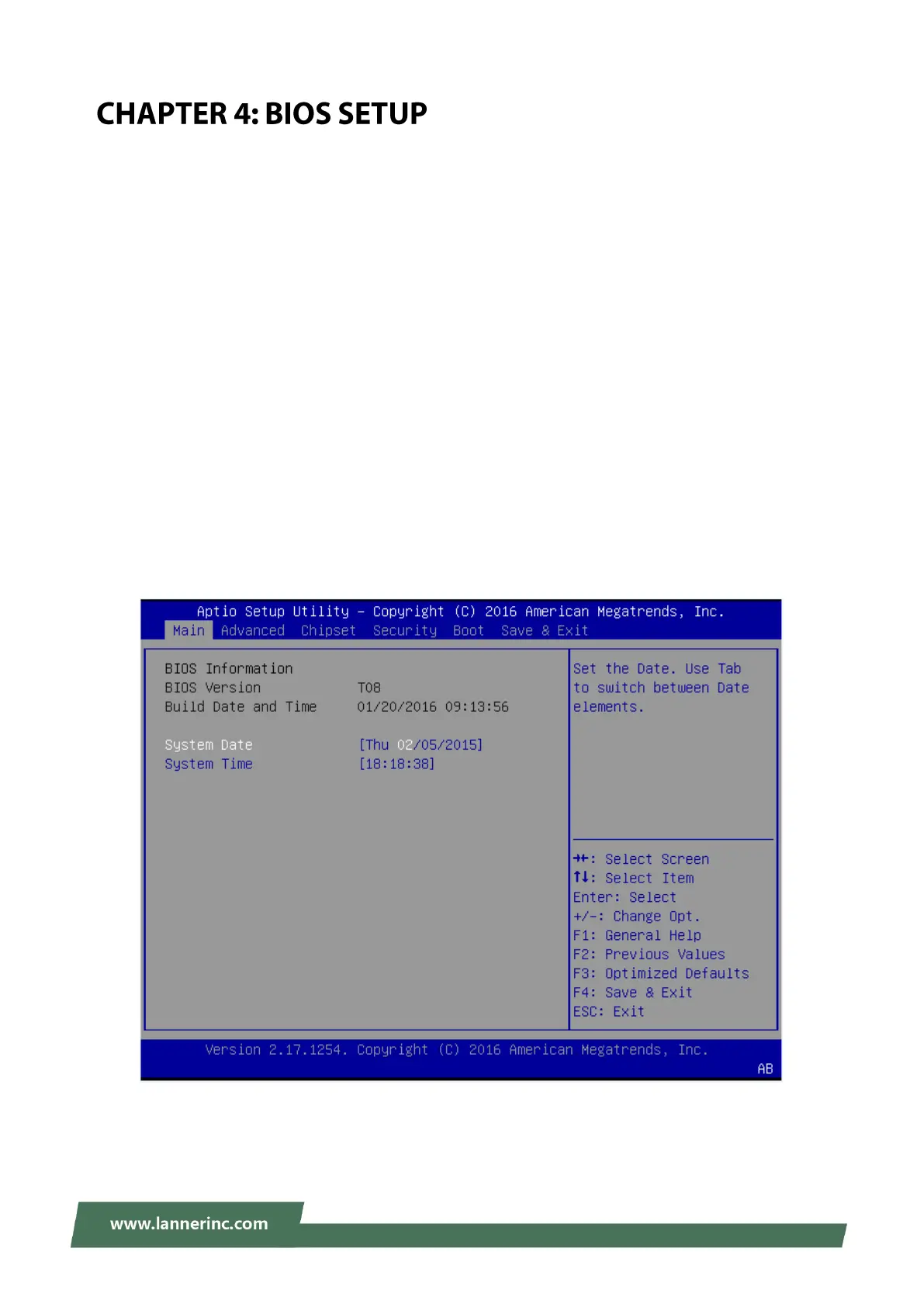
3. Then you will be directed to the BIOS main screen.
4. Instructions of BIOS navigations:
[<--] [-->]: select a setup screen, for instance, [Main], [Advanced], [Chipset], [Boot], [Security], and [Save &
Exit]
[↑] [↓]: select an item/option on a setup screen
Enter: select an item/option or enter a sub-menu
ESC: exit the current screen
+/- = to adjust values for the selected setup item/option
F1 = to display General Help screen
F2 = to retrieve previous values, such as the parameters configured the last time you had entered BIOS.
F3 = to load optimized default values
F4 = to save configurations and exit BIOS
Notes: the images in the following section are for reference only.



 To Next Page