NCA-5710 User Manual
51
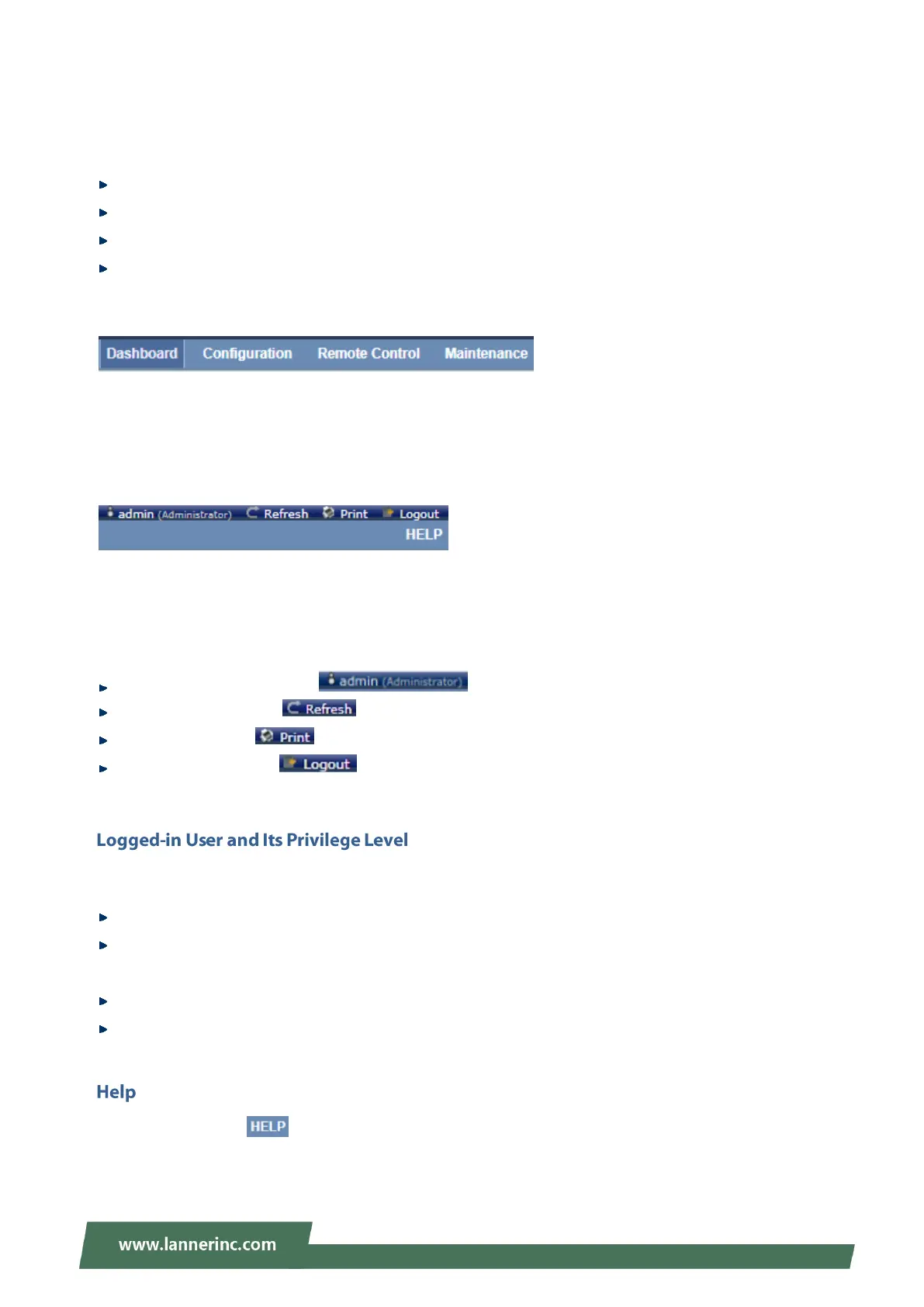
Menu Bar
The menu bar displays the following:
Dashboard
Configuration
Remote Control
Maintenance
A screenshot of the menu bar is shown below:
Menu Bar
Quick Button and Logged-in User
The user information and quick buttons are located at the top right of the Web UI.
User Information
The logged-in user information shows the logged-in user’s username, privilege, with the quick buttons
allowing you to perform the following functions:
User information: The icon shows the logged-in user name and privilege.
Refresh: Click the icon to reload the current page.
Print: Click the icon to print the current page.
Logout: Click the icon to log out of the Web UI.
This option shows the logged-in username and privilege. There are four kinds of privileges:
User: Only valid commands are allowed.
Operator: All BMC commands are allowed except for the configuration commands that can change the
behavior of the out-of-hand interfaces.
Administrator: All BMC commands are allowed.
No Access: Login access denied.
Help: The Help icon is located at the top right of each page in Web UI. Click this help icon to view
more detailed field descriptions.



 To Next Page