Chapter 3: Software Setup
60
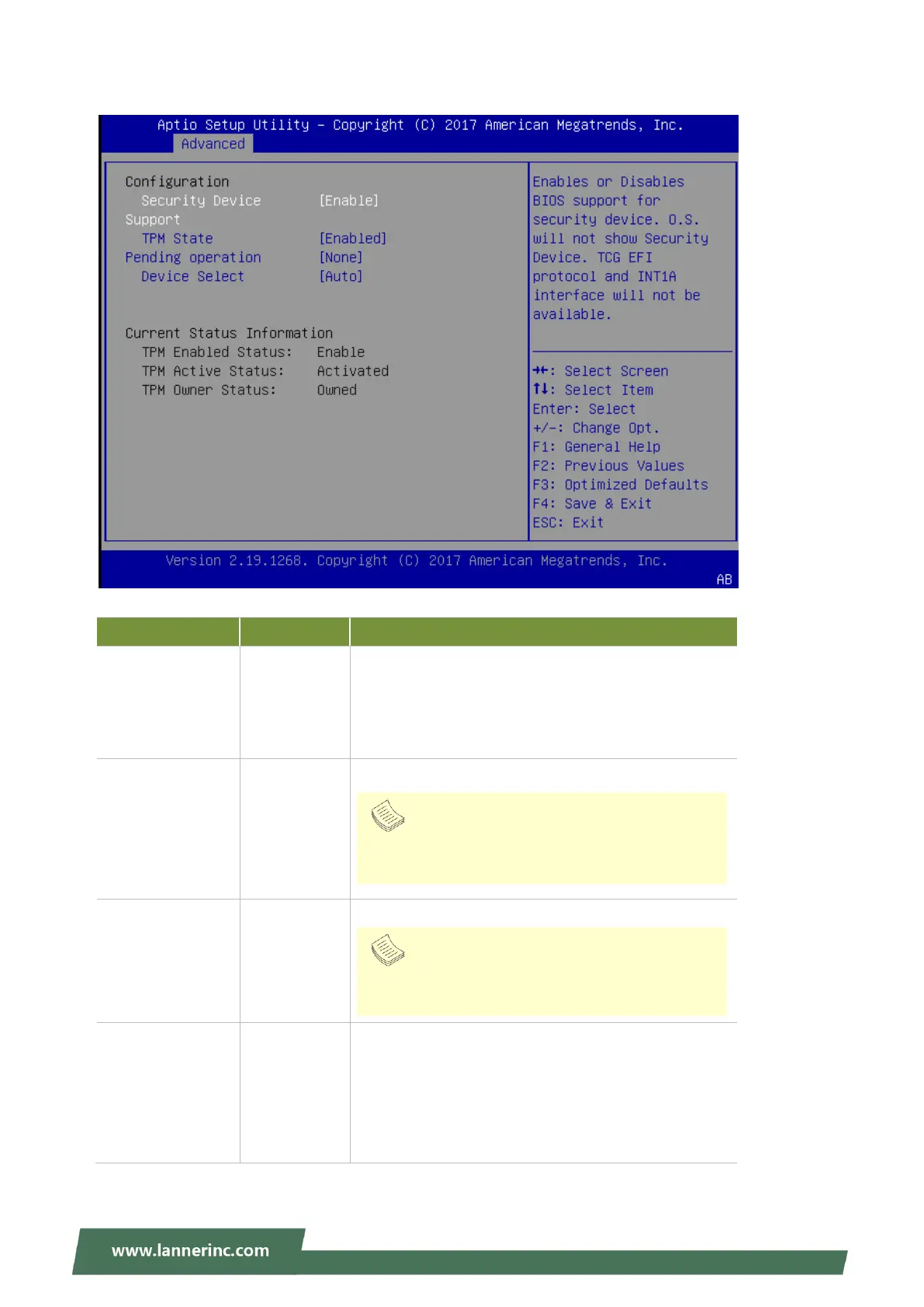
Trusted Computing (TPM1.2)
Enables or disables BIOS support for security device.
By disabling this function, OS will not show Security
Device. TCG EFI protocol and INT1A interface will not
be available.
Enables or disables Security Device.
Schedules an Operation for the Security Device.
TPM 1.2 will restrict support to TPM 1.2 devices; while
TPM 2.0 will restrict support to TPM 2.0 devices; Auto
will support both with the default set to TPM 2.0
devices. If not found, TPM 1.2 devices will be
enumerated.
Note
Your computer will reboot during restart in order
to change state of the device.
Note
Your computer will reboot during restart in order
to change state of the device.



 To Next Page