Chapter 3: Software Setup
91
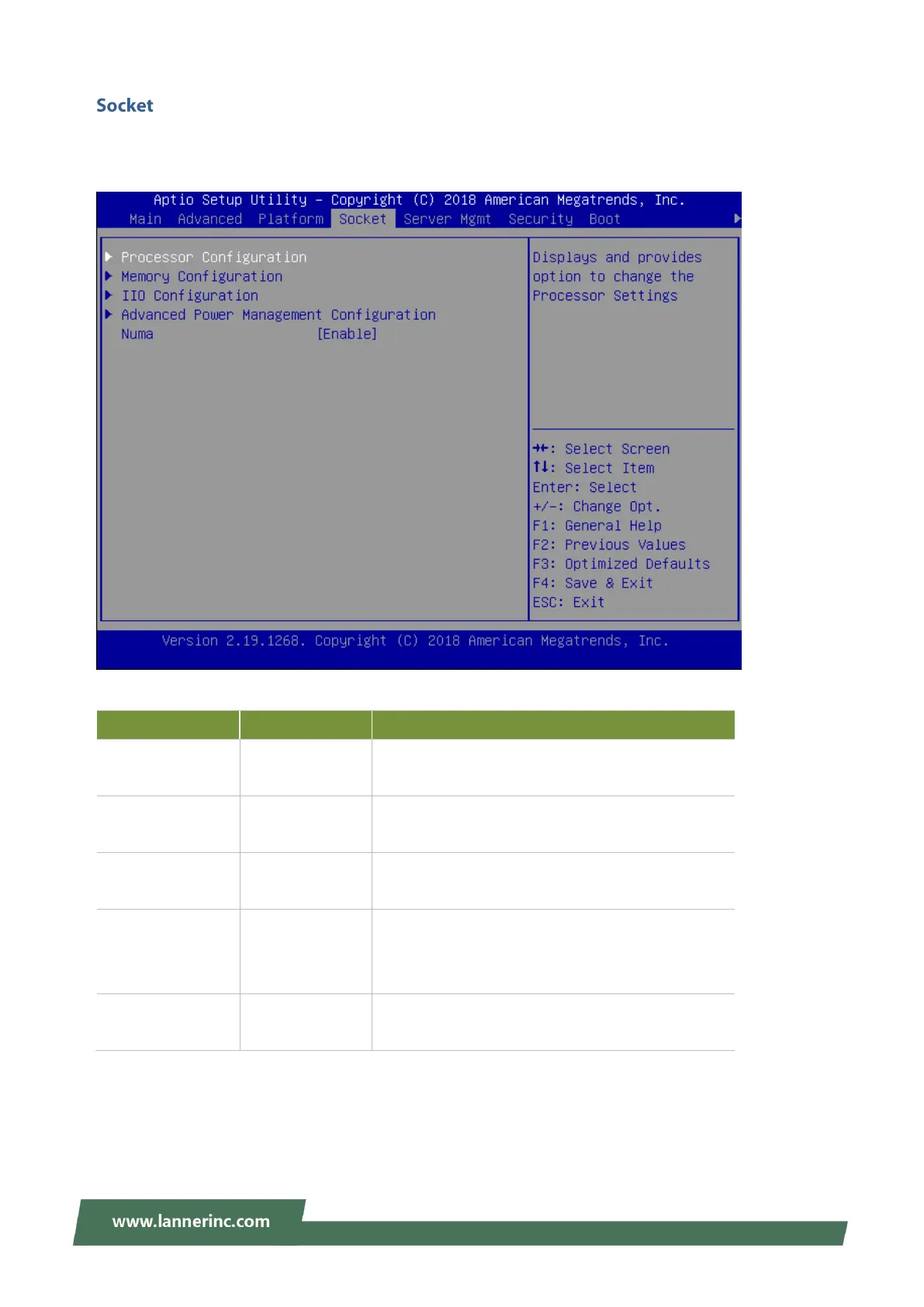
Select the Socket menu item from the BIOS setup screen to enter the Socket Setup screen.
Users can select any of the items in the left frame of the screen.
Displays and provides option to change the
Processor Settings
Displays and provides option to change the
Memory Settings
Displays and provides option to change the IIO
Settings
Advanced Power
Management
Configuration
Displays and provides option to change the Power
Management Settings
Displays and provides option to change the Power
Management Settings



 To Next Page