Operating Instructions – Mobility Wallbox Home / Home Pro14
7 Operating
7.1 Switching on the product
► Press the on/off button.
The on/off button engages.
The LED indicator flashes green.
As soon as the LED indicator is permanently green, the product is
ready for operation.
7.2 Charging the vehicle
Precondition: The product is switched on and the LED display is
permanently lit green.
Connecting the vehicle to the product
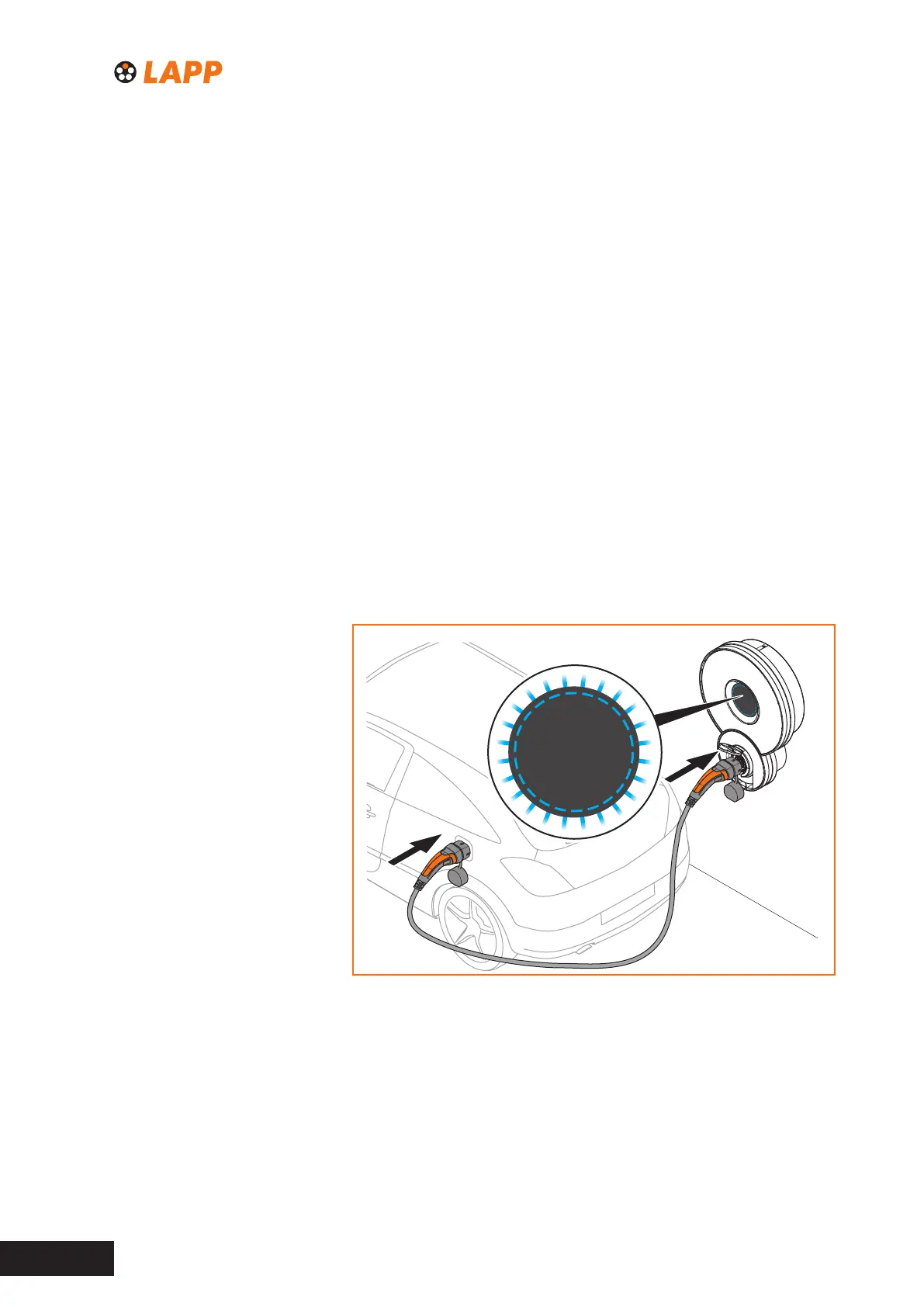
► Use the charging cable to establish a connection between the product
and the vehicle (see Fig. 4).
The LED indicator lights up blue.
registered - please connect
charging
error
Fig. 4 Connecting the vehicle to the product
Starting the charging process on the vehicle
The blue light of the LED indicator signals that the product has detected
a connection to a vehicle and is ready to charge the vehicle. The product
does not receive any feedback from the connected vehicle about the
power at which the vehicle is being charged.



 To Next Page