Operating Instructions – Mobility Wallbox Home / Home Pro 15
Operating
Only the connected vehicle can start the charging process and display
the charging progress.
Depending on the connected vehicle, the charging process either starts
automatically or you have to start the charging process manually on the
connected vehicle.
► Make sure that the charging process starts. Follow the instructions of
the connected vehicle.
The plugs on the vehicle and product are locked.
NOTICE!
Malfunction due to unlocked plug
The plugs on the vehicle and product are locked to prevent interruption
of the charging process. Interrupting the charging process can lead to
faults in the product and the vehicle software.
► Check whether the plugs are locked.
7.3 Stopping the charging process
Charging can only be stopped by the software of the connected
vehicle. Follow the instructions for your vehicle.
Disconnecting the vehicle from the product
► Stop the charging process. Follow the instructions for your vehicle.
The connectors on the vehicle and product are unlocked.
► Make sure that the charging process is finished. Follow the instructions
for your vehicle.
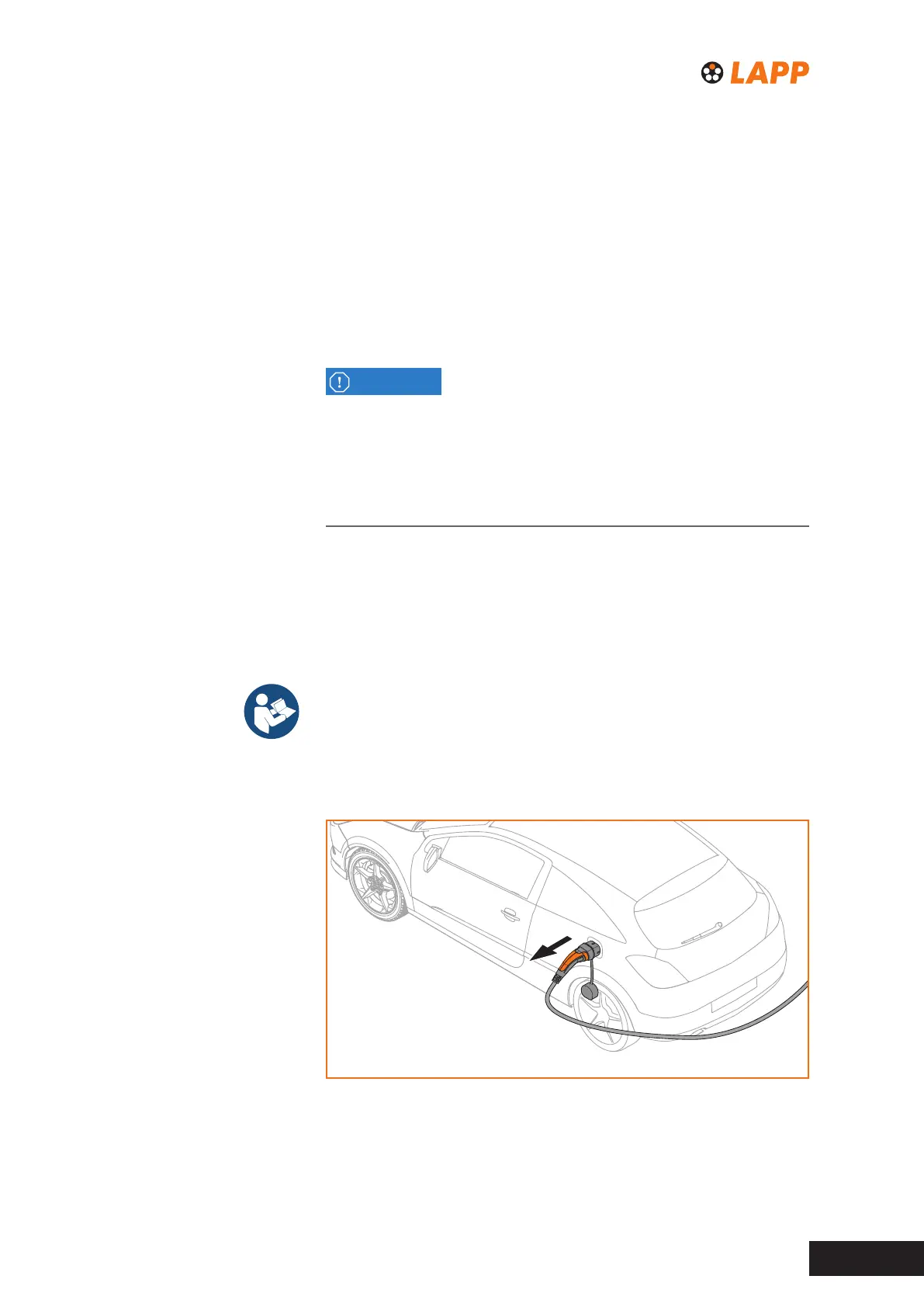
► Remove the charging cable from the vehicle.
Fig. 5 Disconnecting the vehicle



 To Next Page