10
3000
English
I
REGULATIONS
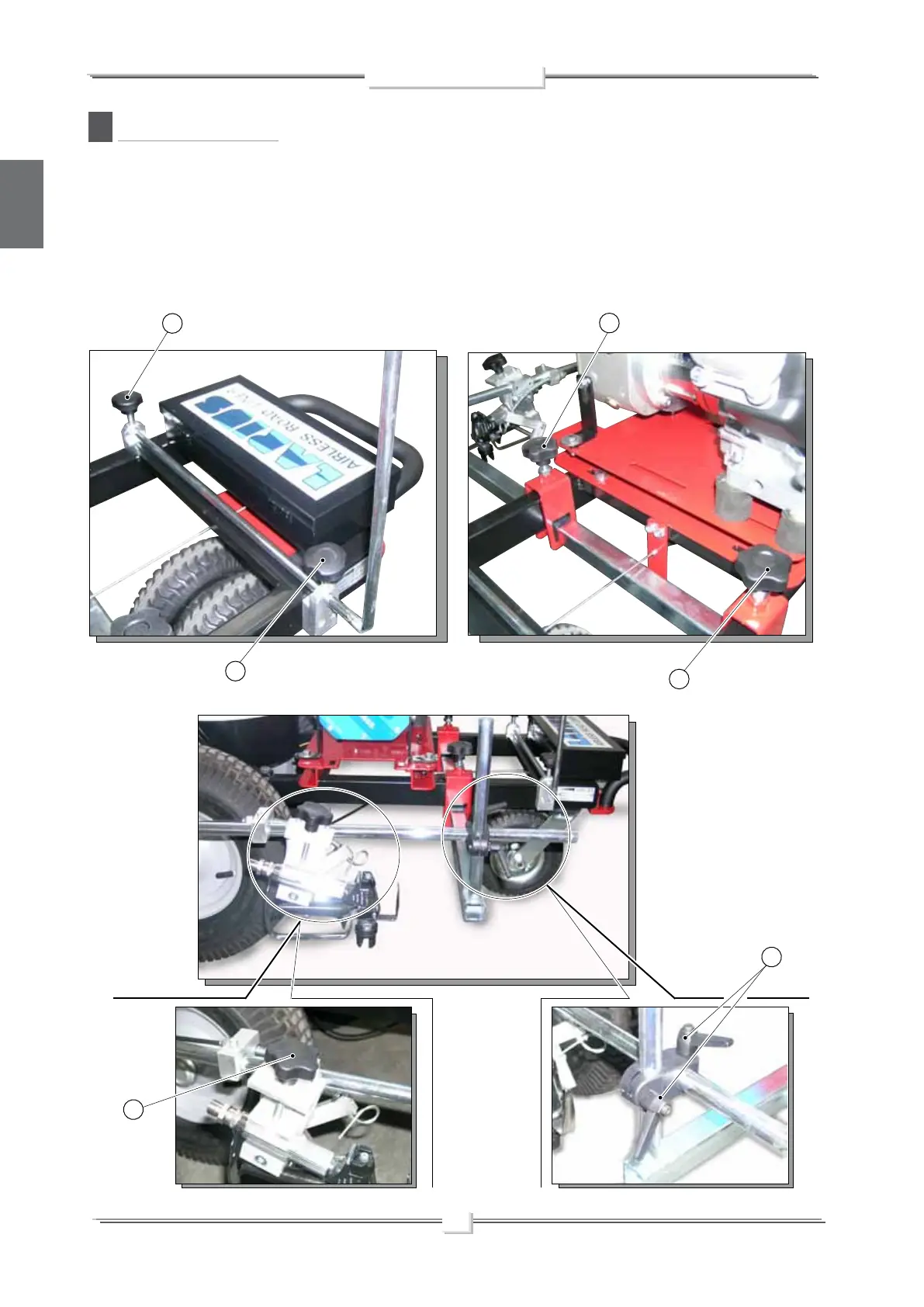
• Loosen the handles (I1) to lower the support bracket.
• Loosen the handles (I2) to release the support bracket of
gun, to adjust the horizontal position.
• Loosen the screw of the block (I3) to individually adjust the
longitudinal and vertical positions of the gun.
• Turn anticlockwise the handles (I4) to release and remove
the gun from the support.
I3
I2
I1
I2
I1
I4



 To Next Page