espresso coffee machines
LSI 022 - Rev. 00 - Ed. 12/2015
20
5.8 COFFEE COUNTER FUNCTION (OPTIONAL)
5.10 MANUAL DELIVERY
COUNTER function allows to record the number of cups of coffee that have
been delivered by the machine.
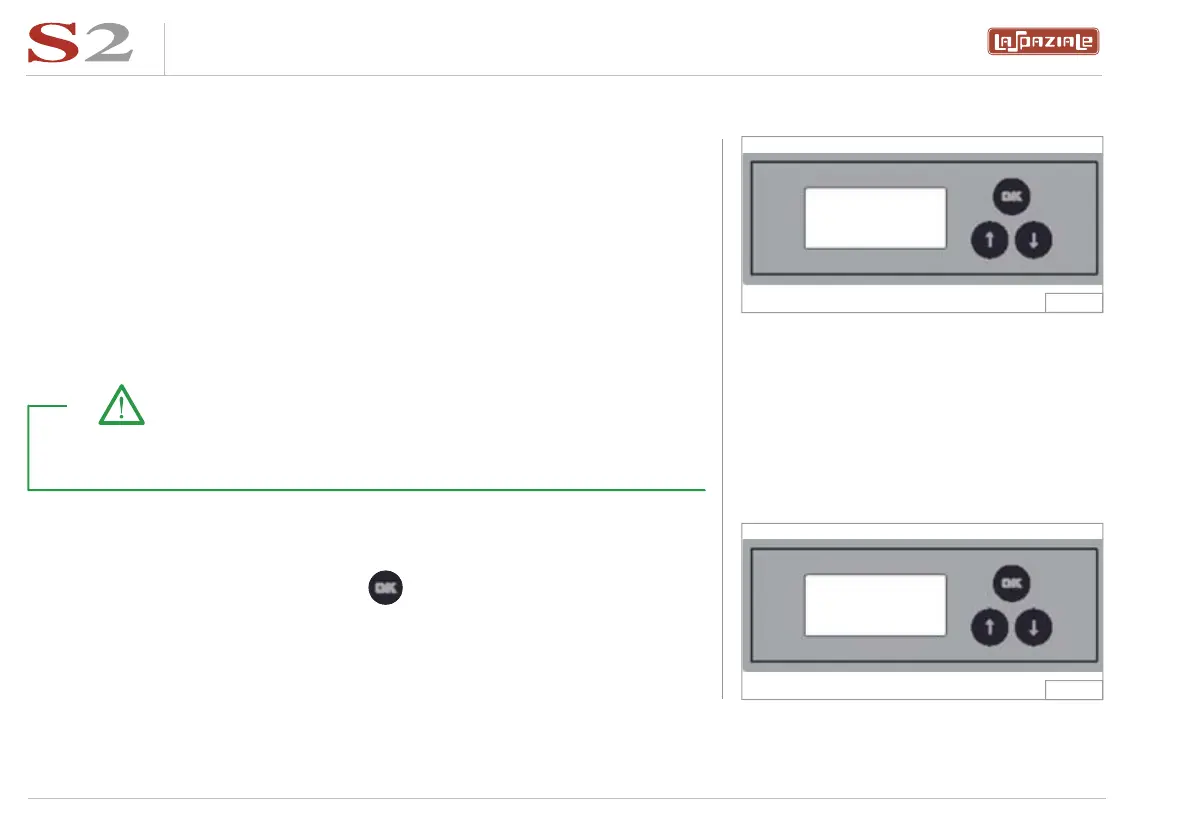
Once the machine is switched on, the display shows for a few seconds the
date and then the partial and total counters.
By pushing the “one short coffee” and “one long coffee” buttons, the counters
are increased of one unit. By pushing the “two short coffee” and “two long
coffee” buttons, the counters are increased of two units.
It is possible to deactivate the manual button of all groups, to effectuate the correct accounting of the number of coffees
delivered, by inserting a jumper in the connector M1 of the control board.
5.9 RESET
To reset the partial counter, push the button and hold it for 3 seconds;
the display will show:
The counters are increased only when the deliveries are equal to or longer
than 7 seconds.
Take note!
P.000000
T.000000
P.000000
T.000987
Fig. 11
Fig. 12


 To Next Page