7
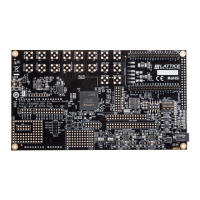
ECP5 Versa Development Board
Figure 5. Device Properties Dialog Box
5. Click OK in the Device Properties dialog box. You will return to the main configuration screen.
6. Set J50 jumper to ECP5 programming (see
Appendix A, sheet 3 "Programming").
7. Ensure the Configuration Mode is set to Master SPI using DIP Switch SW4 (see Ta bl e 3).
8. From the main programming window, select Pr
ogram from the top toolbar. This begins the SPI Serial Flash
programming. Note that the SPI Flash Background Programming operation is only possible when the ECP5
device is either erased or the active design has the MASTER_SPI_PORT mode enabled. For more details see
TN1260, ECP5 sysCONFIG Usage Guide.


 To Next Page