- 42 -
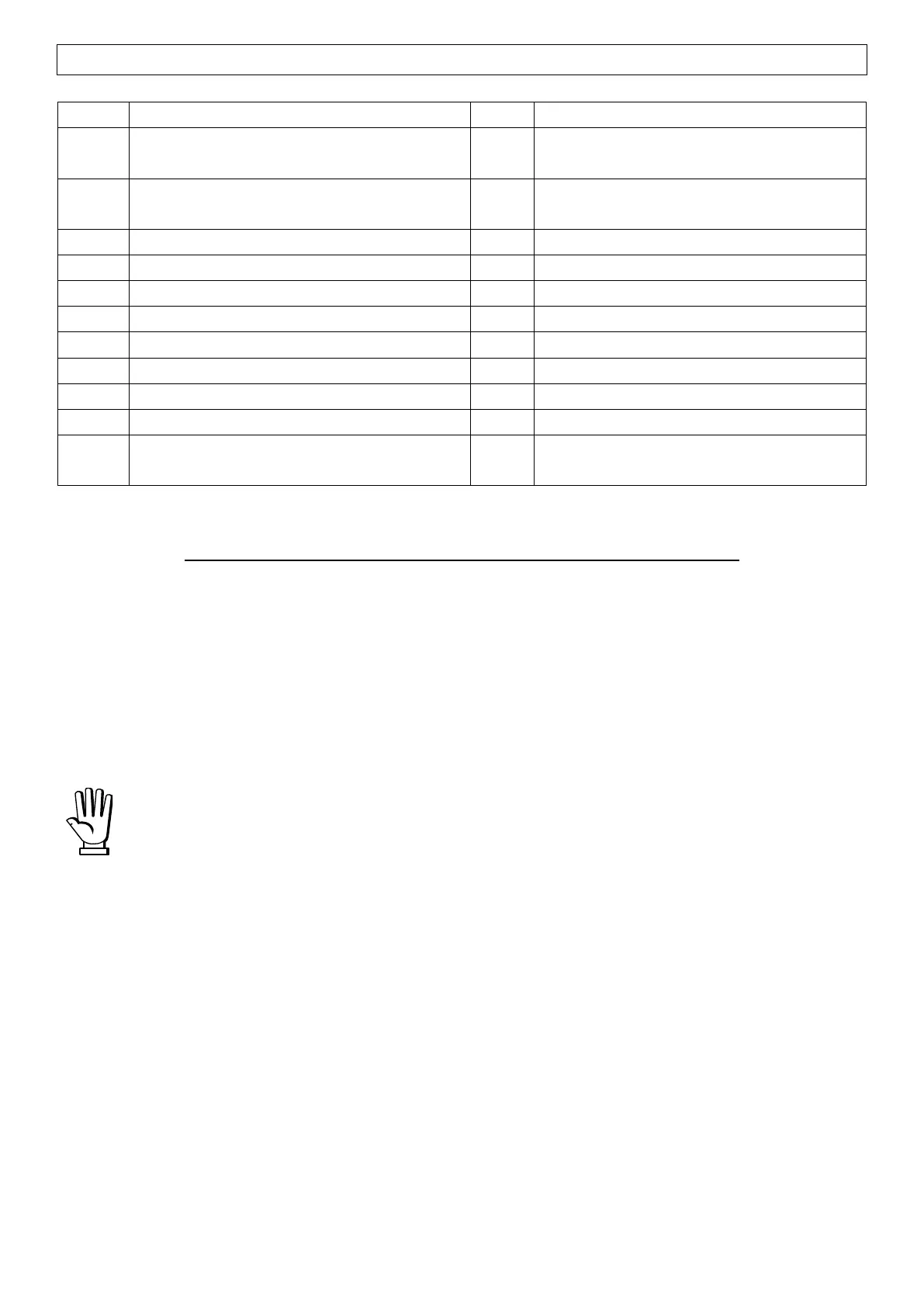
POSSIBLE COMMANDS TO BE SENT TO THE COMMAND REGISTER (40006)
SEMI-AUTOMATIC TARE enabling
(net weight displaying)
SEMI-AUTOMATIC TARE disabling
(gross weight displaying)
Keypad and display unlock
TARE WEIGHT ZERO SETTING for
calibration
Sample weight storage for calibration
REAL CALIBRATION COMMANDS (WITH SAMPLE WEIGHTS)
- Unload the system and reset to zero the displayed weight value with the command 100 “TARE
WEIGHT ZERO SETTING for calibration” of the Command Register.
- Load a sample weight on the system and send its value to the registers 40037-40038.
- To save the value send the command 101 “Sample weight storage for calibration” to the
Command Register.
If the operation is successfully completed, the two sample weight registers are set to zero.
In order to correctly set the sample weight, consider the value of the Division register
(40014). Example: to set the sample weight to 100 kg and the division is 0.001, then the
value to enter is 100000 (100 / 0.001 = 100000).


 To Next Page