29
LAUNCH Pilot TPMS User's Manual
EN
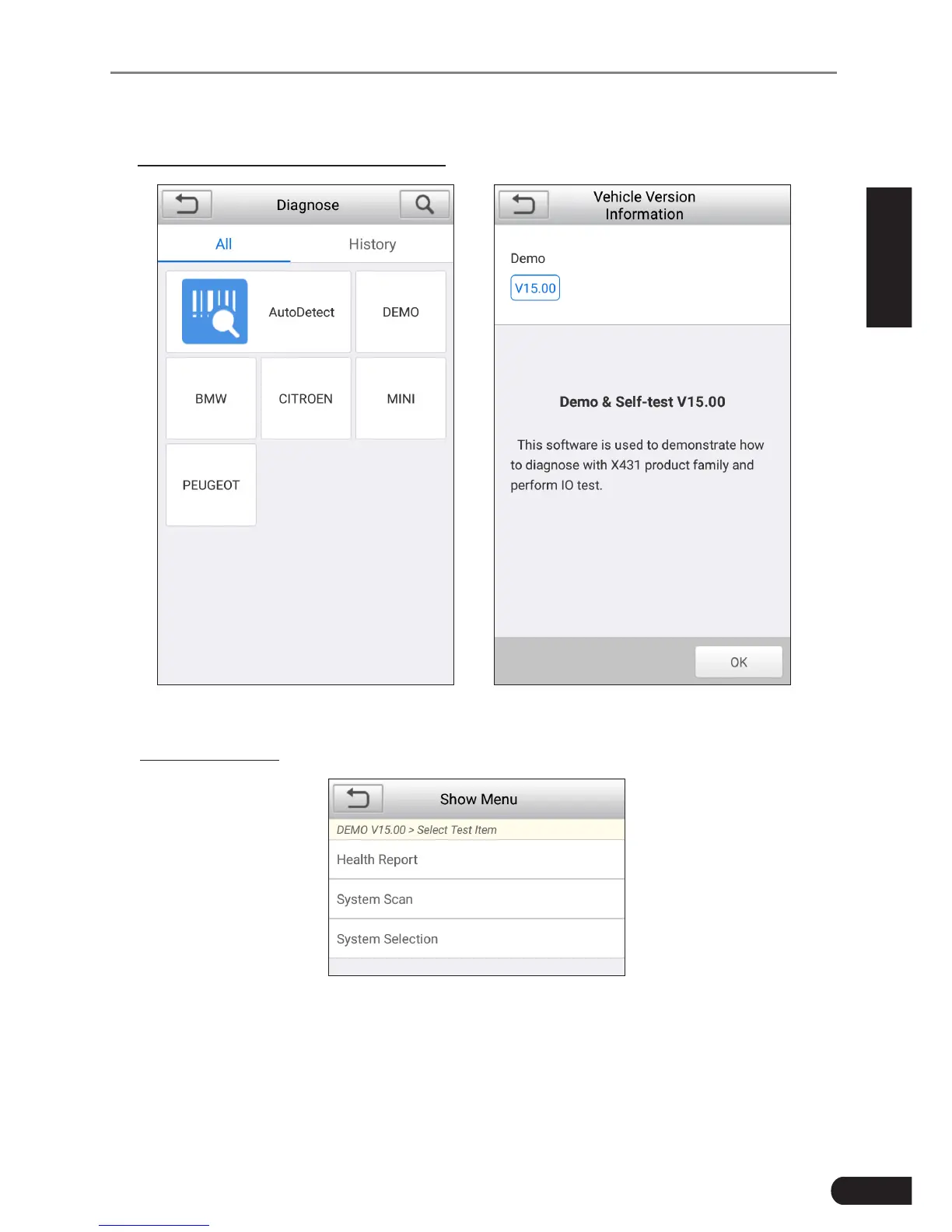
Take Demo as an example to demonstrate how to diagnose a vehicle.
1). Select diagnostic software version: Tap the “DEMO” to go to Step 2.
Fig. 6-3 Fig. 6-4
2). Select test item: Select the desired test item to proceed.
Fig. 6-5
6.2.2.1 Health Report (Quick Test)
This function varies from vehicle to vehicle. It enables you to quickly access all
the electronic control units of the vehicle and generate a detailed report about
vehicle health.



 To Next Page