30
LAUNCH Pilot TPMS User's Manual
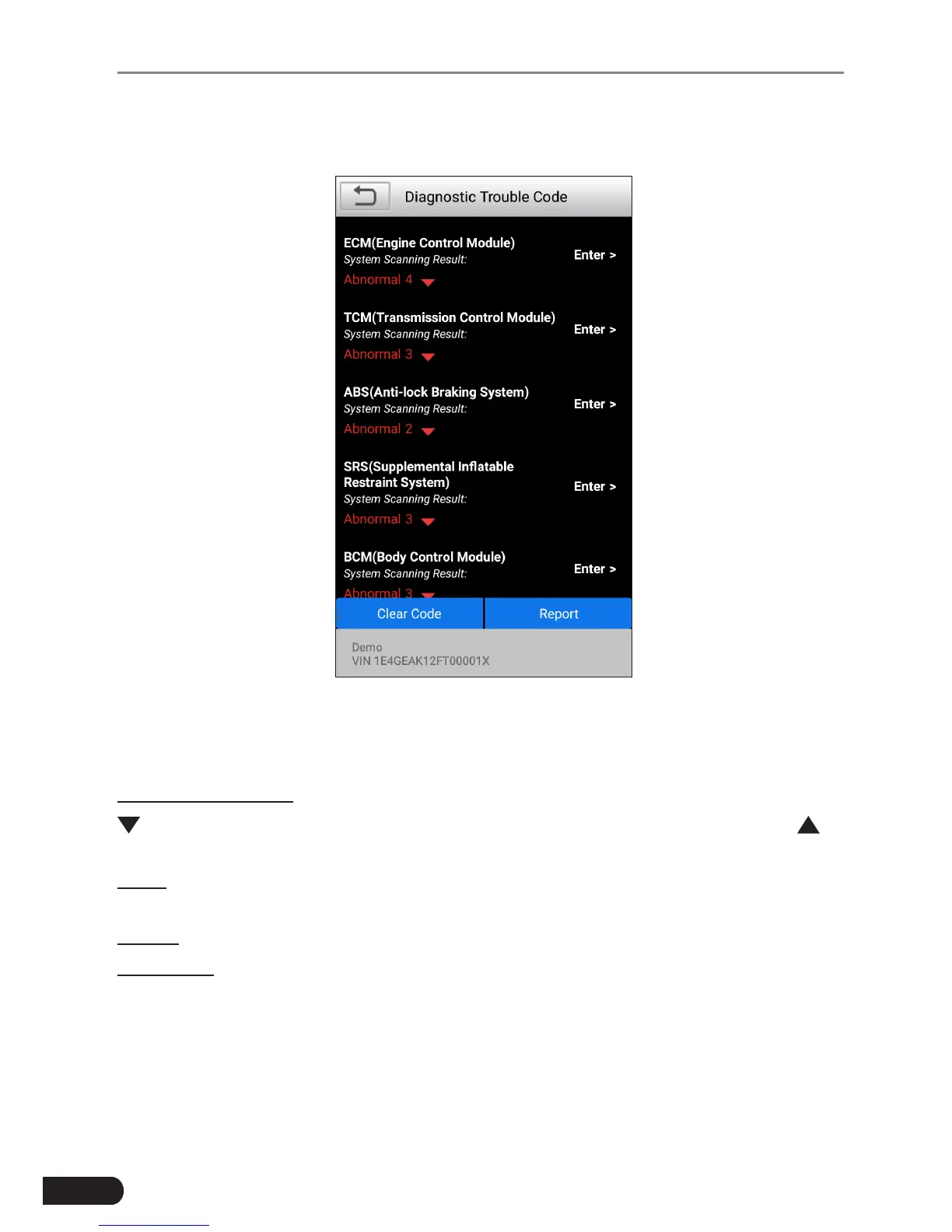
Tap “Health Report”, the system starts scanning the ECUs. Once the scanning is
complete, a screen similar to the following appears:
Fig. 6-6
In above gure, the tested system with fault code appears in red and the system
with OK displays in white (normally).
On-screen Buttons:
: Tap to display the details of DTCs existing in the current system. Tap to
hide it.
Enter: Tap to select other test functions. For detailed operations, refer to Chapter
6.2.2.3 “System Selection”.
Report: Tap to save the diagnostic result as a report.
Clear DTC: Tap to clear the existing diagnostic trouble codes.
6.2.2.2 System Scan
This option allows you to quickly scan which systems are installed on the vehicle.
6.2.2.3 System Selection
This option allows you manually select the test system and function step by step.



 To Next Page