31
LAUNCH Pilot TPMS User's Manual
EN
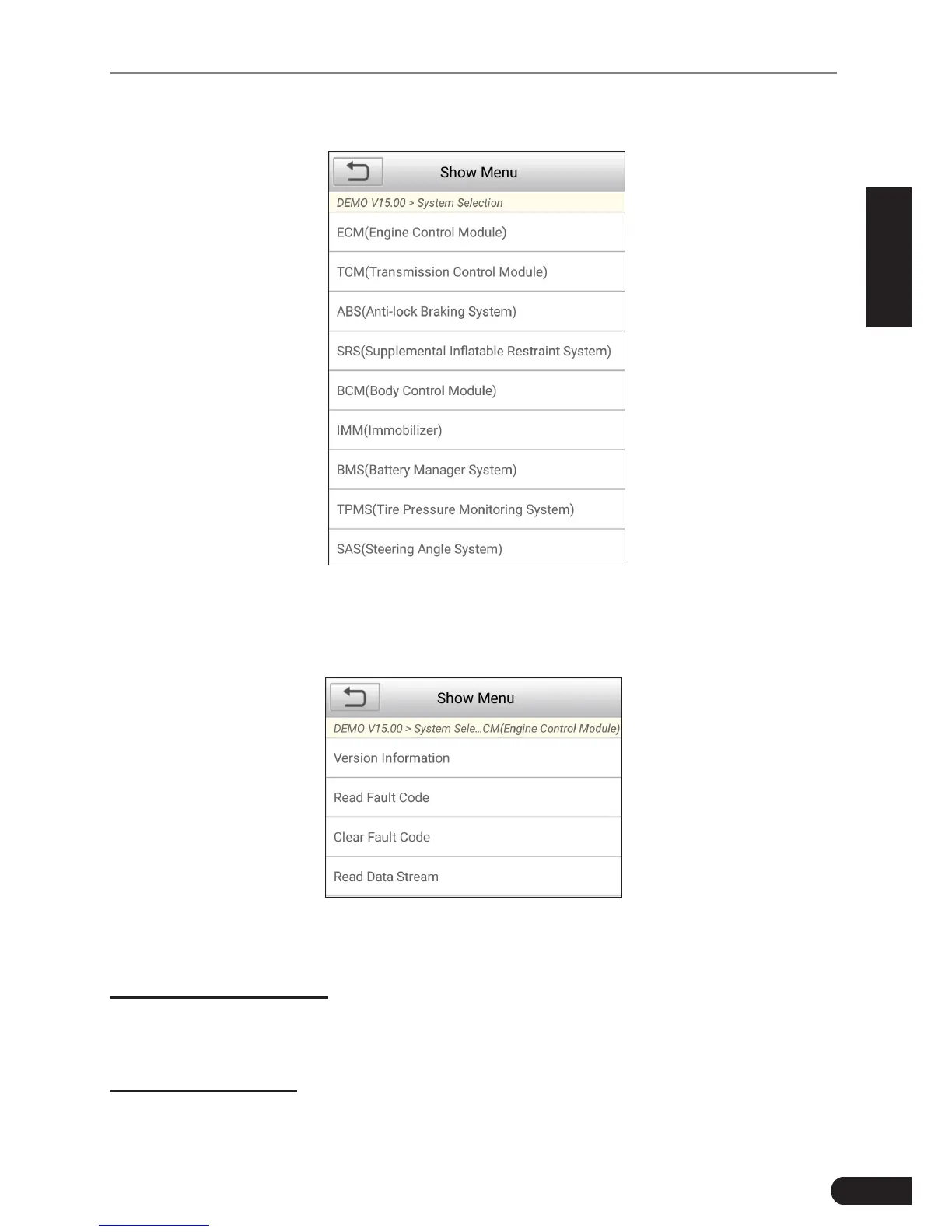
In Fig. 6-5, tap “System Selection”, the screen displays as follows:
Fig. 6-7
Tap the desired system (take “ECM” for example) to jump to the test function
page.
Fig. 6-8
*Note: Dierent vehicle has dierent diagnosc menus.
A. Version Information
This function is used to read the version information of system mode, vehicle
VIN, software and ECU.
B. Read Fault Code
This function displays the detailed information of DTC records retrieved from the



 To Next Page