LAUNCH X-431 PRO3 V4.0 User Manual
23
settings and logout etc.
golo
A business expansion and customer management
platform developed exclusively for repair shops, on
which you can develop new business, manage golo
customers, monitor customer’s vehicle real-time status,
consult vehicle issues and provide remote assistance
etc. It is unquestionably beneficial to increase
customer’s retention and boost shop revenue.
Other Modules
Includes product manual and FAQ etc.
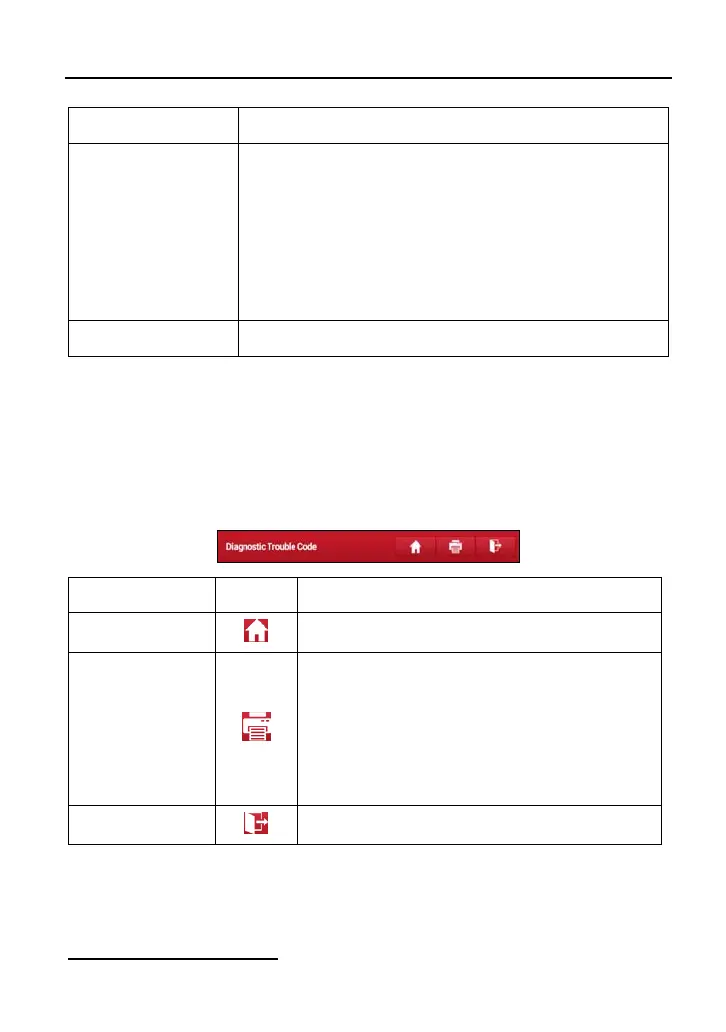
4.2.3 Diagnostics toolbar
The diagnostics toolbar contains a number of buttons that allow you to print the
displayed data or make other controls. It is displayed on the upper right corner of
the screen and goes through the whole diagnostic session. The table below
provides a brief description for the operations of the diagnostics toolbar buttons:
Name Button Description
Home
Returns to Job menu screen.
Print
Tap to print the current screen. To perform
printing, you need to purchase an extra Wi-Fi
printer manufactured by LAUNCH separately
and then properly configure the wireless printer
following the steps described in Chapter
9.13.3.
Exit
To exit the diagnostic application.
4.3 Connections
4.3.1 Preparation
Normal testing conditions



 To Next Page