LAUNCH X-431 PRO3 V4.0 User Manual
38
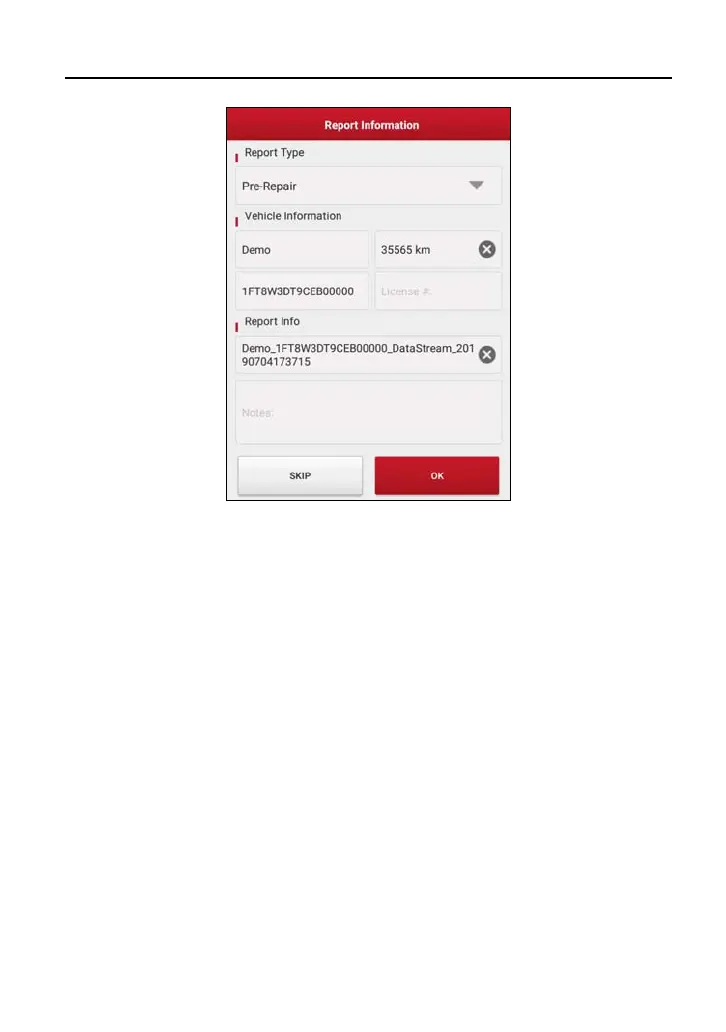
Input the required information, and then tap “OK” to save it.
Alternatively you can also set the workshop information in “User Info” ->
“Settings” -> “Print Information”.
Once you configured the information, it will be automatically generated every
time you saved the diagnostic report. All vehicle and workshop information will
be appended to the diagnostic report.
To skip the workshop information, tap “Skip” to go to the next step.
All reports are saved under the tab “Diagnostic Report” in “My Report” from
“User Info” menu. For details on report operations, please refer to Chapter 9.1
“My Report”.
5.2.2 System Scan
This option allows you to quickly scan which systems are installed on the
vehicle.
On the test item selection screen, tap “System Scan”, the system start scanning
the systems. Once the scanning is complete, the screen will display the result.



 To Next Page