LAUNCH X-431 PRO3 V4.0 User Manual
32
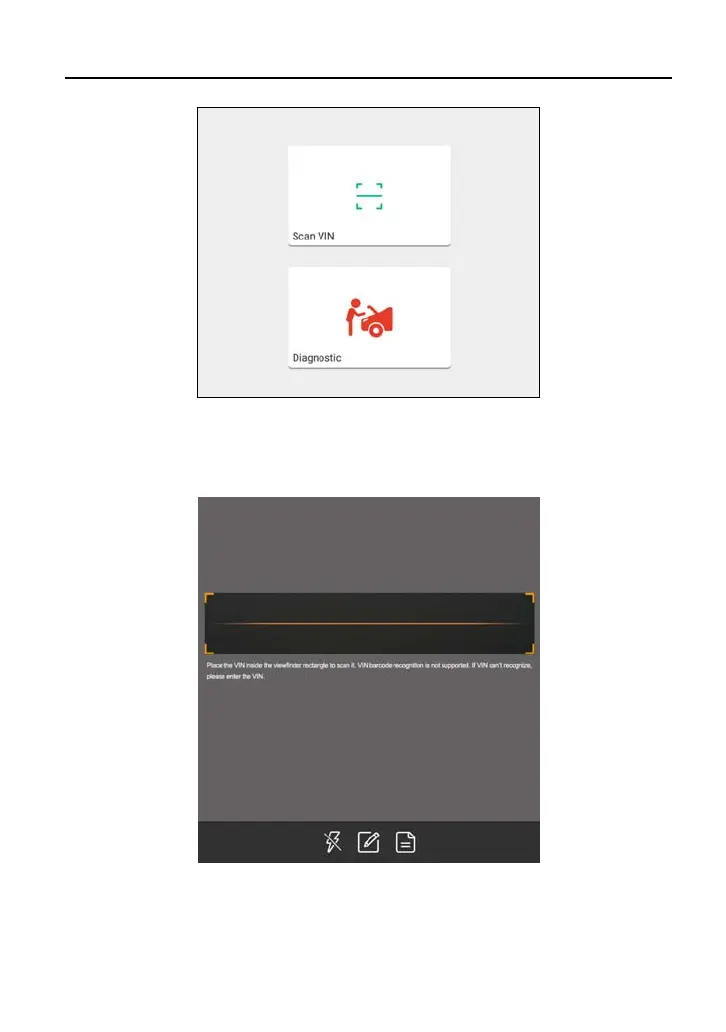
• Tap “Diagnostic” to launch the Local Diagnose module and start a new
diagnostic session. Refer to Chapter 5.2 for detailed diagnostic operations.
• Tap “Scan VIN”, a screen similar to the following appears:
Place the VIN inside the viewfinder rectangle to scan it. The most
recognizable location for this number is in the top left corner on the
vehicle’s dashboard. Other locations include the driver’s door or post, and
the firewall under the hood.



 To Next Page