LAUNCH X-431 PRO3 V4.0 User Manual
45
view various types of parameters in the most suitable way.
9
Value – this is the default mode which displays the parameters in texts and
shows in list format.
9
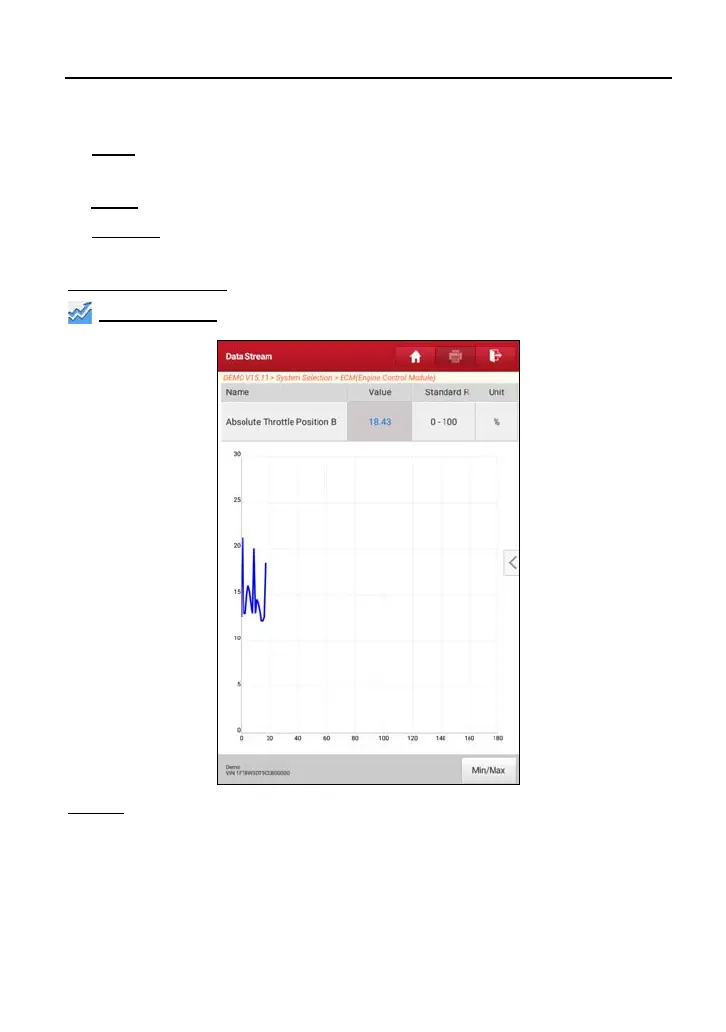
Graph – displays the parameters in waveform graphs.
9
Combine – this option is mostly used in graph merge status for data
comparison.
In this case, different items are marked in different colors.
On-screen Buttons:
Graph(Single):
Tap it to view the waveform.
Graph:
Tap it to view the waveform.



 To Next Page