LAUNCH X-431 PRO3 V4.0 User Manual
52
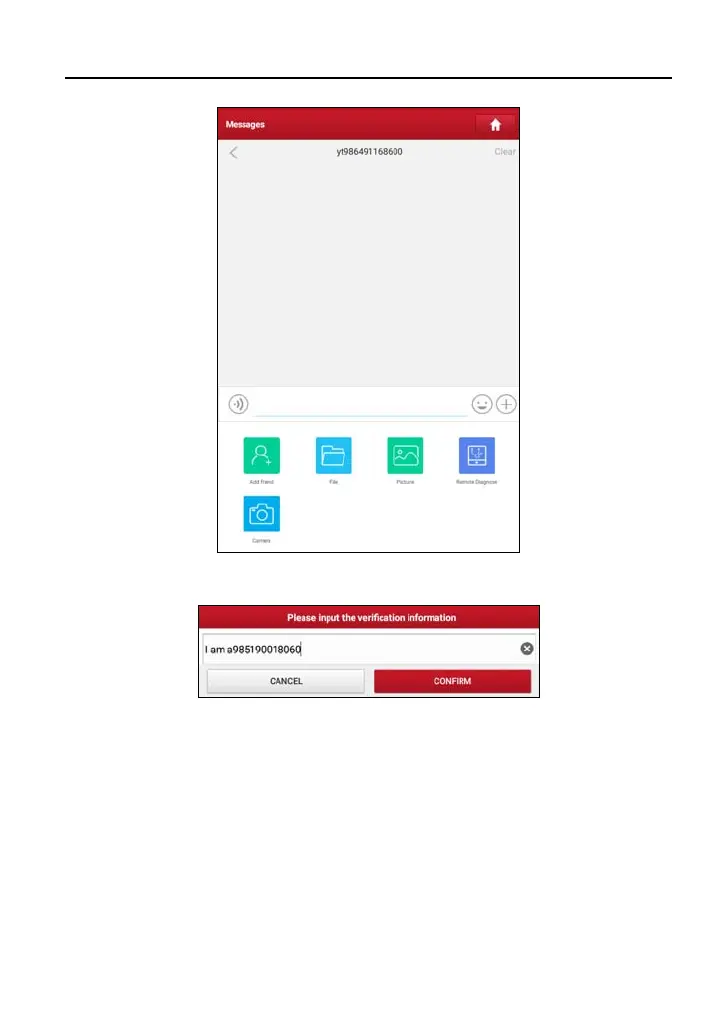
Tap “Add friend”, a dialog box pops up:
Tap “CONFIRM” to send your request.
Once the partner receives the request, a beep will sound. Tap the “Message”
tab:
• Once the partner agreed your request, he/she will automatically be listed in
the Contact tab.
• If a technician sent you a friend request, you can tap “Agree” to confirm and
his/her name will appear in the friend list (Contact). Or tap “Ignore” to ignore
this request.



 To Next Page