32
LAUNCH
529 OBD II Scanner User’s Manual
4. Data Stream
Select [Data Stream] from the Diagnostic Menu and press [OK], the following
screen will appear.
Figure 5-10
• Select [View All Items] and press [OK] button, the screen will display the
dynamic data of all data stream items:
Figure 5-11
Press the [
] / [ ] button to turn page to view other data streams.
Press [
] to return to Diagnostic Menu.
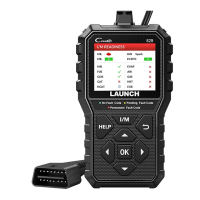
• Select [Select Items] in Data stream menu and press [OK], the screen will
display the interface as shown below:


 To Next Page