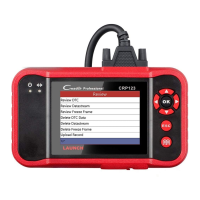
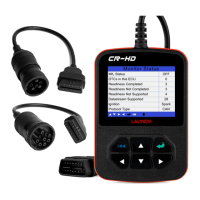
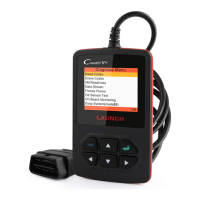
Fig. 5-9
By default, all diagnostic software are selected. To select certain software,
Tap
, and then uncheck the box next to Version. Tap to start
downloading.
Fig. 5-10
Once it is complete, the system will decompress the software packages.
Tap
to return to the main menu screen.
5.5 Start Diagnosing
Tap “Diagnose” on the main function menu to enter the vehicle selection
page.
Fig. 5-11
Take Demo as an example to demonstrate how to diagnose a vehicle.
1. Tap the “Demo” logo, the system will prompt you to select the diagnostic
software version. See Fig. 5-12.


 To Next Page