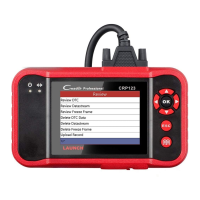
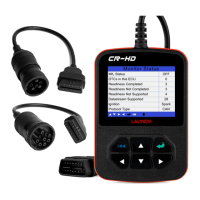
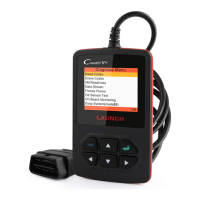
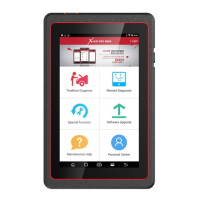
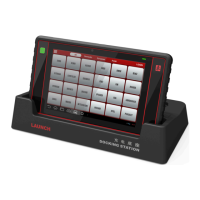
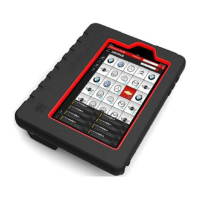
Fig. 5-12
2. Tap the desired version to start initializing. After initializing is complete,
the screen will display as below:
Fig. 5-13
3. Tap “Demo” to enter system selection interface. See Fig. 5-14.
Fig. 5-14
4. Tap “Engine”, the system will jump to the function menu. See Fig. 5-15.
Fig. 5-15
5.5.1 Read trouble code
Tap “Read trouble code” in function menu, the screen will display the
diagnostic result.


 To Next Page