98********00
密碼信封
1
2
2
網路設置
註冊及升級軟體(續)
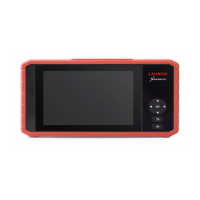
1. 按電源按鍵啟動設備(首次使用時保證電量充足)。
驟進行網路設置:
3. 將WLAN開關撥至開啟狀態,系統開始搜索WLAN網路,從查找到的網路清單中選擇需
要連接的WiFi網路即可(如果為加密型網路,則需要輸入正確的安全密碼)。
2. 轉到【設置】,打開【WLAN】。
首次使用時,使用者需要啟動設備及升級診斷軟體。此時設備需要聯網,按照如下步
註冊及升級軟體
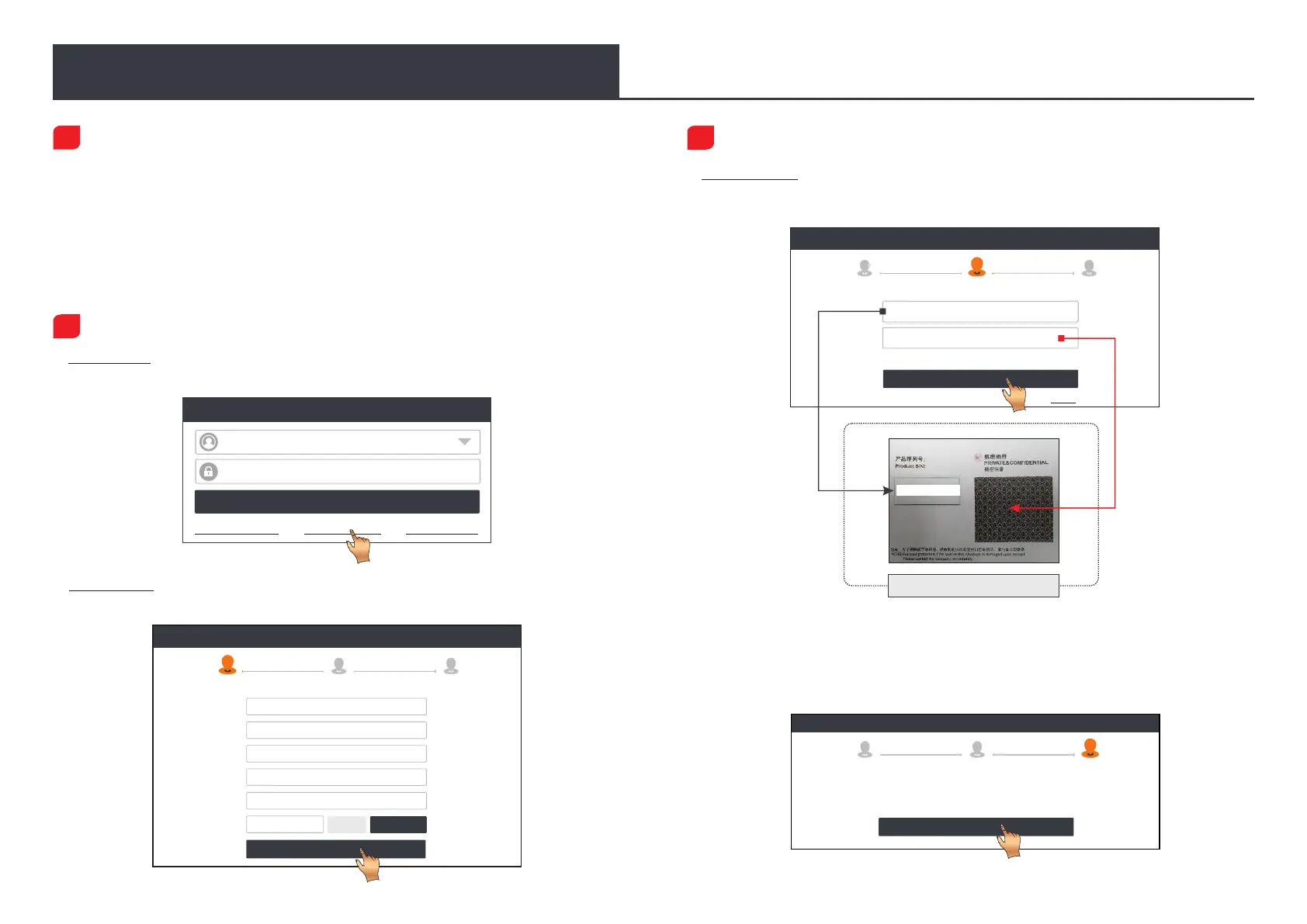
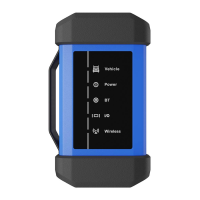
3. 啟動VCI診斷盒:輸入序號和啟動碼(序號和啟動碼可以從密碼信封中獲取),然後點
擊“啟動”進入第4步。
4. 升級診斷軟體:點擊“OK”進入下載頁面。點擊“升級”開始下載。一旦下載完成,
套裝軟體將自動安裝。
*診斷軟體將不定期地更新。一旦有軟體更新,系統會自動提示您。為確保您能享用更好
的服務和產品功能,建議您及時與最新軟體保持同步。
首次使用
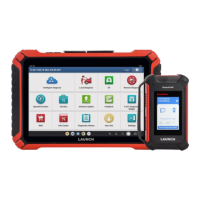
1. 啟動診斷App:點擊桌面上的程式圖示啟動程式。點擊右上角的【登錄】,此時介面顯
示如下圖所示。點擊“新用戶註冊”,然後按照第2步到第4步進行操作。
Create an Account Activate VCI Finish Registration
Register
Select Country
*
Password
*
Confirm Password
*
Email
*
CAPTCHA
*
CAPTCHA
Username
*
Register
2 3
1
2. 註冊APP帳號:輸入相關個人資訊,輸入完成後,點擊“註冊”進入啟動接頭頁面。
(注: 為方便後續維護和獲得更好服務,請填寫真實資訊。)
Create an Account Finish Registration Activate VCI
Register
1
Serial Number
Activation Code
3
2
Where is my activation code?
>> Skip
Activate
Register
1
2
3
OK
Congratulations! You have successfully completed your
registration. Click OK to download the model software.
Create an Account
Activate VCI
Finish Registration
LOGIN
Username
Password
Retrieve Password New Registration Technician login
Device account login




 To Next Page