9. PROGRAMMING YOUR TRANSMITTER
LAUNCHING INSTRUMENT SETUP SOFTWARE
Connect your LTE transmitter to your PC via an Ethernet cable, or connect the transmitter to the
same LAN as the PC. To launch IS software, press on Start => Programs => IS2 => Instrument
Setup or on the desktop icon that you may have created. Following a brief splash screen, the
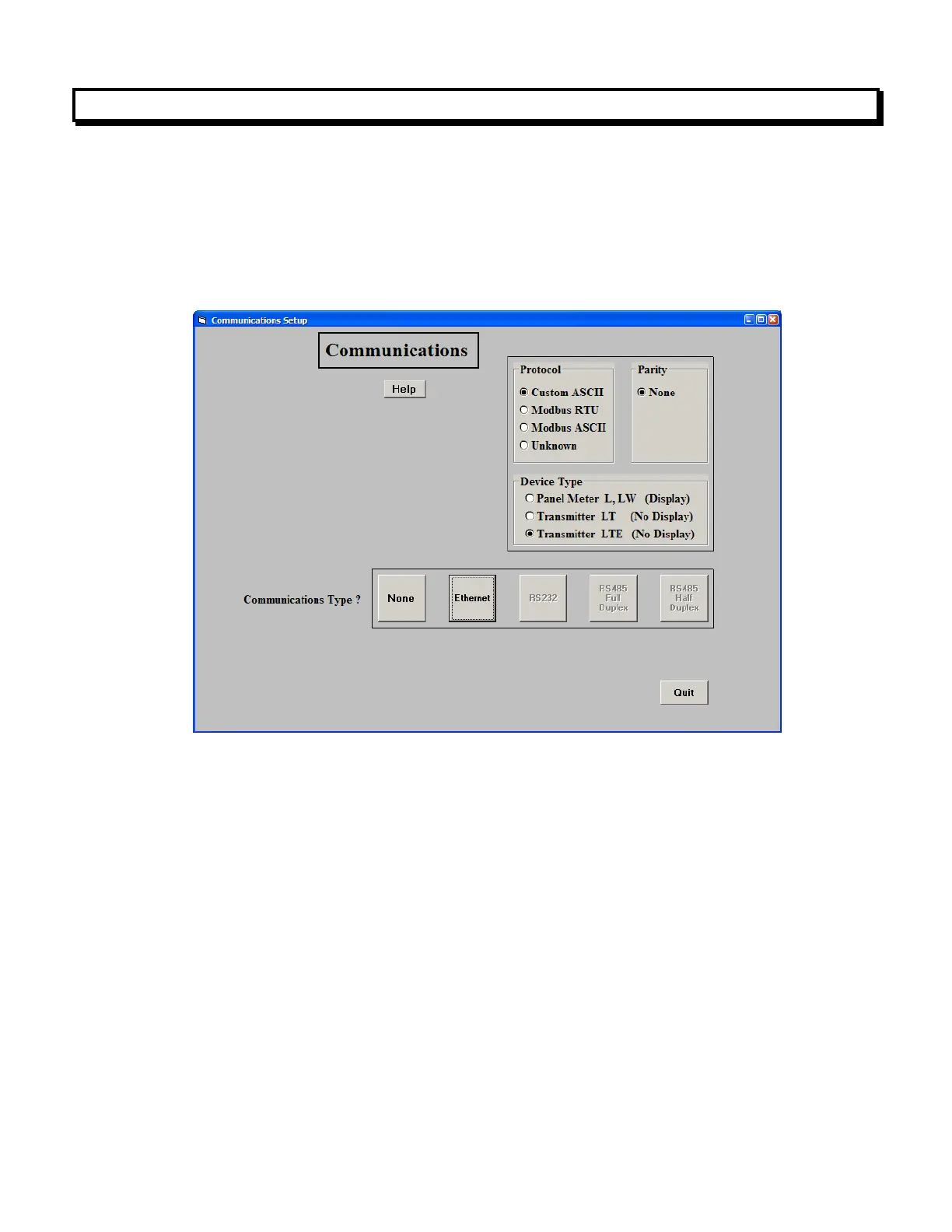
Communications Setup screen will appear.
In the Communications Setup screen, select Transmitter LTE as the Device Type, Ethernet as
the Communication Type, any of the protocols listed.
Upon clicking on Ethernet for the first time, you may be presented with the Windows Security
Alert shown below. Click on Unblock, and IS software will be launched. If you ever click on
Keep Blocking, IS software will not be able to establish Ethernet communications. You will then
need to restore Windows Firewall defaults by clicking on Control Panel => Windows Firewall =>
Advanced => Restore Defaults.



 To Next Page