10. OPENING YOUR TRANSMITTER CASE
WHEN TO CHANGE JUMPERS
Your transmitter case does not need to be opened if jumpers have already been set by your
distributor. Otherwise you will need to open the case and either set jumpers or verify that the
factory default jumpers positions will meet your needs. Note that while Instrument Setup
Software senses the circuit board type, it does not sense jumper settings, and the correspond-
ing information has to be entered manually. Jumpers are used for the following:
1) On the signal conditioner board to set the signal type (e.g., voltage or current) and the
range. For details, please see the next five sections of this manual. Note that all ranges of
all signal conditioner boards are factory calibrated, with calibration factors stored in
EPROM on the board.
2) On the main board to set the analog output signal (current or voltage) and sensor excita-
tion output (5V, 10V or 24V). Default factory settings are current analog output and 10V
excitation.
HOW TO OPEN & CLOSE THE CASE
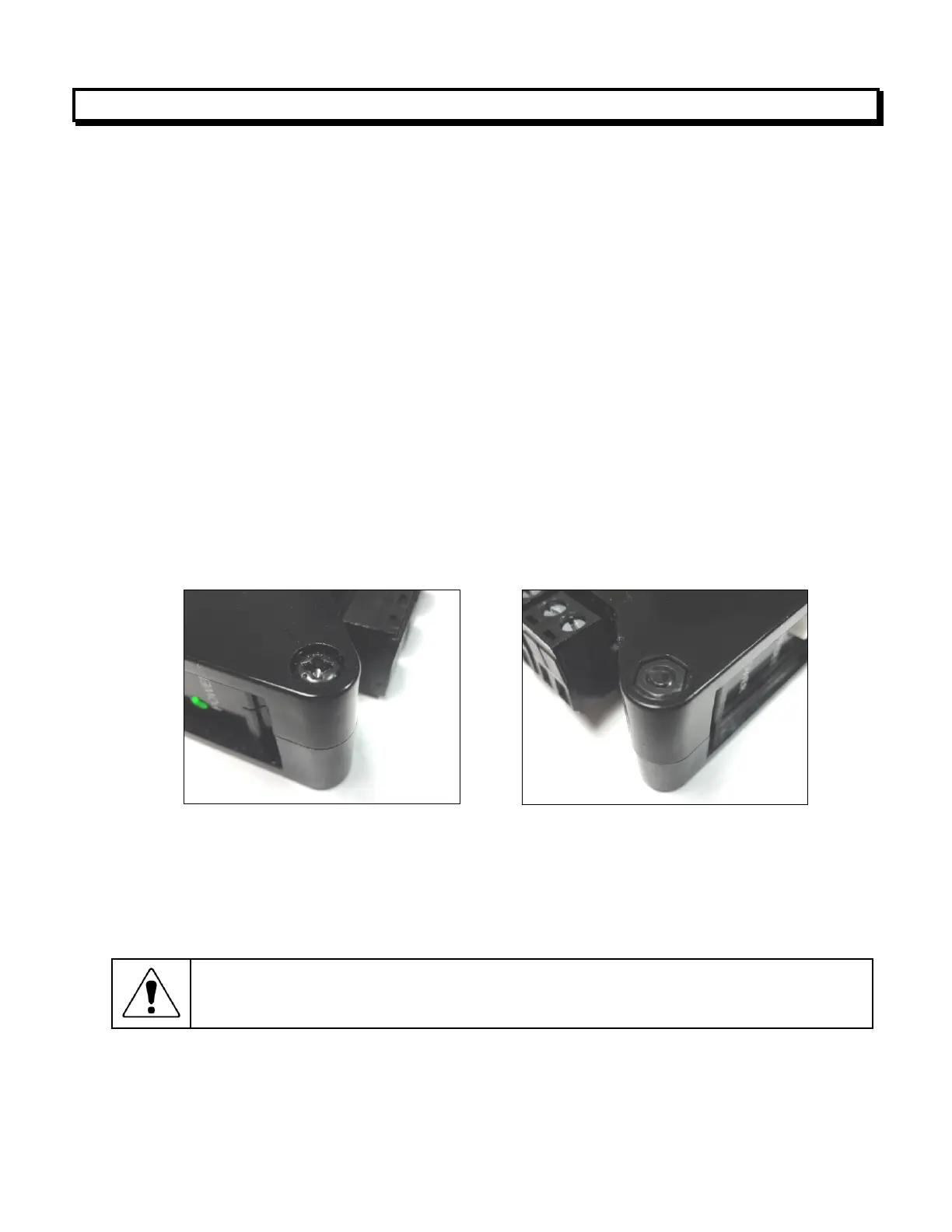
The two clamshell halves of the case are held together with a bolt and a nut at each of the four
corners. Use a Phillips screwdriver to remove the four bolts. The nut will then drop off, and the
clamshell halves will separate. When closing the case, make sure that the ventilation grills are
properly aligned.
Caution: The nuts at each corner are not captive and are black. Take precautions
so that the nuts do not get lost.



 To Next Page