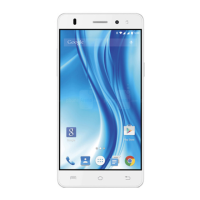
LAVA X3
While during a call, touch the icon to end a call.
4.2. Disable Phone Calls (Airplane mode)
Some locations like airplanes may require you to turn off your
mobile, Wi-Fi, and Bluetooth wireless connections.
Press and hold the Power button.
Touch the Airplane mode.
4.3. Disable SIM card
If you want to close the SIM card, to do it go to:
Settings
> SIM management.
> turn off SIM1/SIM2
5-THE HOME SCREEN
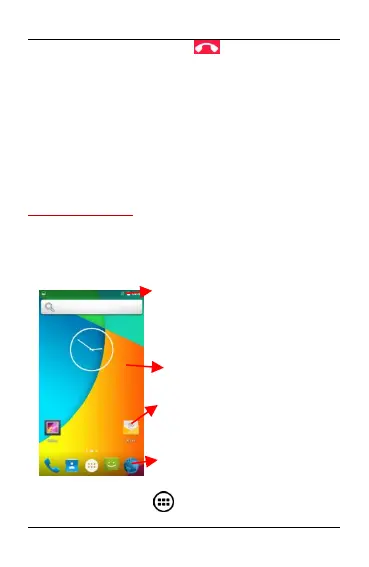
When you sign in, the home screen opens.
The Home screen is your starting point to access all the features
on your phone. Touch the main menu icon at the bottom of the
screen to view all installed applications.
5.1. Open and Close the Launcher
Touch the Launcher Icon to open the main menu.
Long Press and hold an empty spot to
change wallpaper.
The status bar shows the time, signal
strength, battery status, and notification.
Touch an icon to launch the Corresponding
application; bottom icons are accessible
from all desktop screens.
Touch and hold to move or remove
an icon or a widget.


 To Next Page