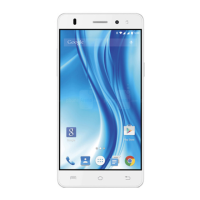
LAVA X3
o Live Wallpaper: Choose from a scrolling list of animated
wallpapers. Even you can choose a video file from your Video
Wallpaper folder.
o
Wallpaper: Choose from thumbnails of default images.
For set wallpaper, touch right option then select SET
PICTURE AS) and set wallpaper.
Folders: You can very easily regroup desktop icons in a folder on
screen to save space and access more applications.
Touch and hold any icon on desktop screen to move it.
Go on another icon and release to create a folder containing
both icons.
Then add as many icons as folder can hold, give it a name,
move it where you want.
You have all the tools to customize your Phone.


 To Next Page