48
SECTION 4
PROFILES
Profiles are created in Microsoft Excel and downloaded into the 6600 through the COM1
port on your PC using the Hyperterminal program that is normally available on all PC’s.
4.1 WHAT IS A PROFILE.
A profile is a set of up to 50 points that tell the 6600 what you would want it to do at each
point. Each point consists of 10 parameters: 1) Pt units, 2) Pt mode, 3) Pt target value, 4)
Ps1 units, 5) Ps1 mode, 6) Ps1 target value, 7) Rate target value, 8) Ps2 units, 9) Ps2 mode
and 10) Ps2 target value. These 10 parameters are defined by you in the Excel program.
A total of 15 such profiles can reside in the 6600 at any time. Each profile is identified by a
number between 1 to 15 and also a name which can have up to 12 characters. The profile
number and the name are also part of the profile that is created in Excel.
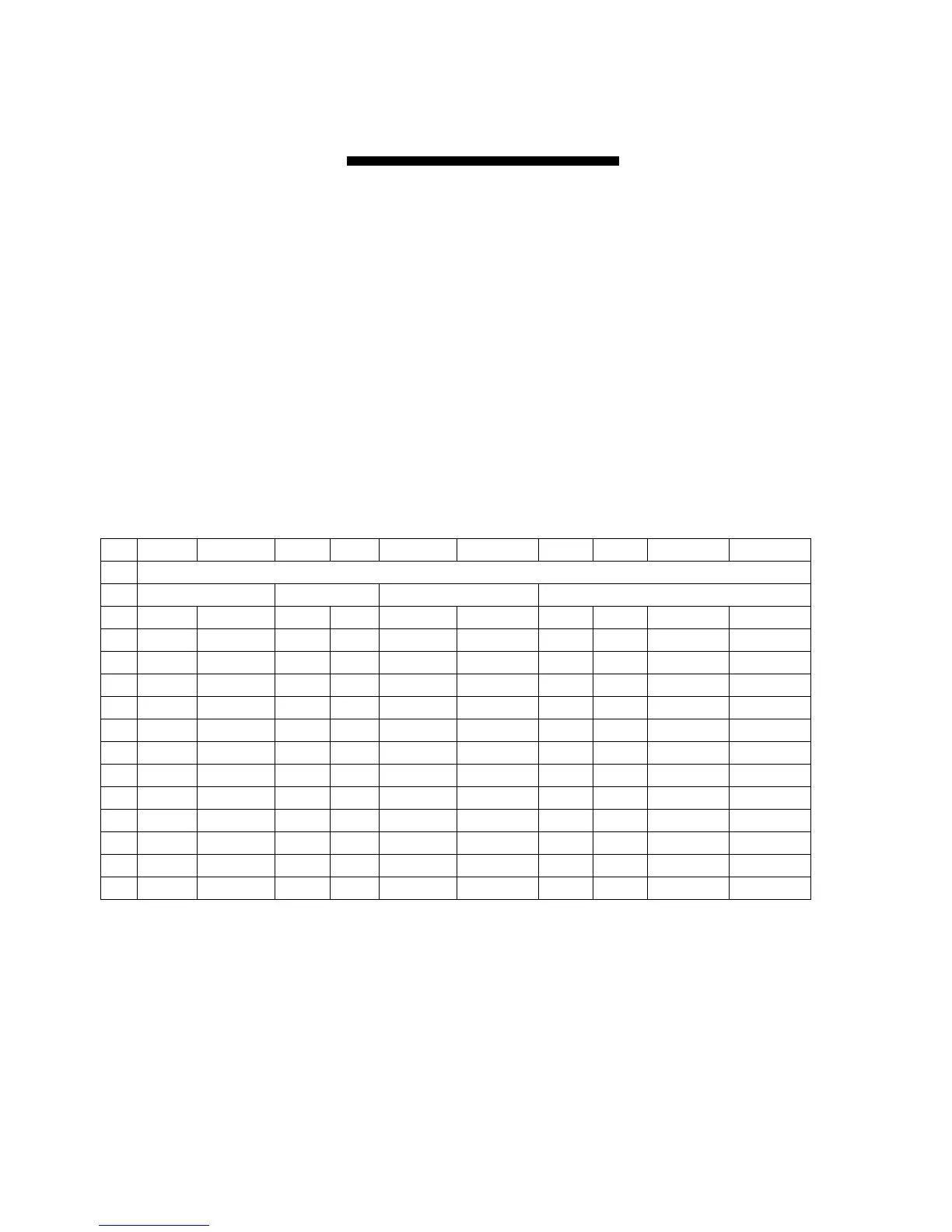
A typical profile named “Sample” is shown below as it would appear in Excel.
A B C D E F G
H I J
1
Profile
2
Sample 3 0
3 knots Control 100.0 Feet Control 0 6000
Dfin
Control
0.100
4 knots Control 200.0 Feet Control 0 6000
Dfin
Control
0.100
5 knots Leak 200.0 Feet Control 0 6000
Dfin
Control
0.100
6 knots Control 100.0 Feet Control 1000 6000
Dfin
Control
0.200
7 knots Control 200.0 Feet Control 5000 6000
Dfin
Control
0.200
8 knots Control 300.0 Feet Control 10000 6000
Dfin
Control
0.200
9 knots Control 100.0 Feet Control 18000 6000
Dfin
Control
0.200
10 knots Control 100.0 Feet Leak 18000 6000
Dfin
Control
0.200
11 knots Control 100.0 Feet Control 30000 6000
Dfin
Control
0.300
12 knots Control 100.0 Feet Control 50000 6000
Dfin
Control
0.300
13
knots Control 20.0 Feet Control Ground 6000
Dfin
Control Ground
14
knots Measure
20.0 Feet Measure
Ground 6000
Dfin
Measure Ground
15
END
Row 1 always says “Profile”. This indicates to the 6600 that a profile is to follow.
Row 2 left cell shows the name of the profile. This profile is named “Sample”. The name
can have up to 12 alphanumeric characters. This name will show up on the 4
th
line of the
6600 display when this profile is executed.



 To Next Page