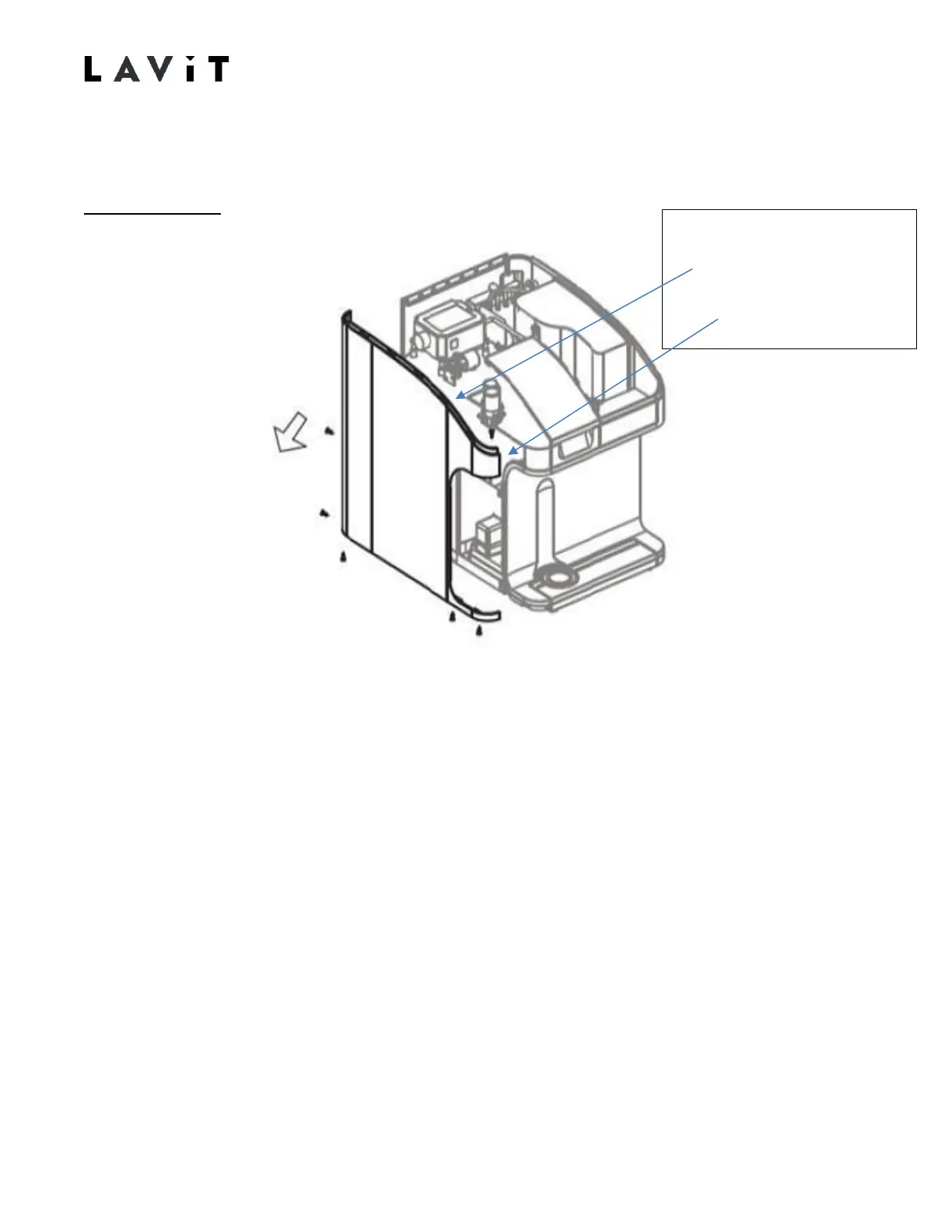
Removing the Side and Rear Panels
Left Side Panel
1. Remove the two rear screws. Note that the bottom rear screw is a longer screw that
requires to be used on the bottom rear when reinstalling.
2. Remove the three screws under the base.
3. Using a long Phillips head screwdriver, remove the side mix chamber hold down screw
located between the left side panel and the mix chamber. The screw is about four inches
recessed down the side. Unscrew only to free the panel. The screw will remain in the
fitting.
4. Remove the panel. Carefully undo the top front snap fitting while removing panel. When
reinstalling ensure the snap connection is made.
There is an internal # 2 Philips screw
from behind the panel remove this
screw before removing the panel



 To Next Page