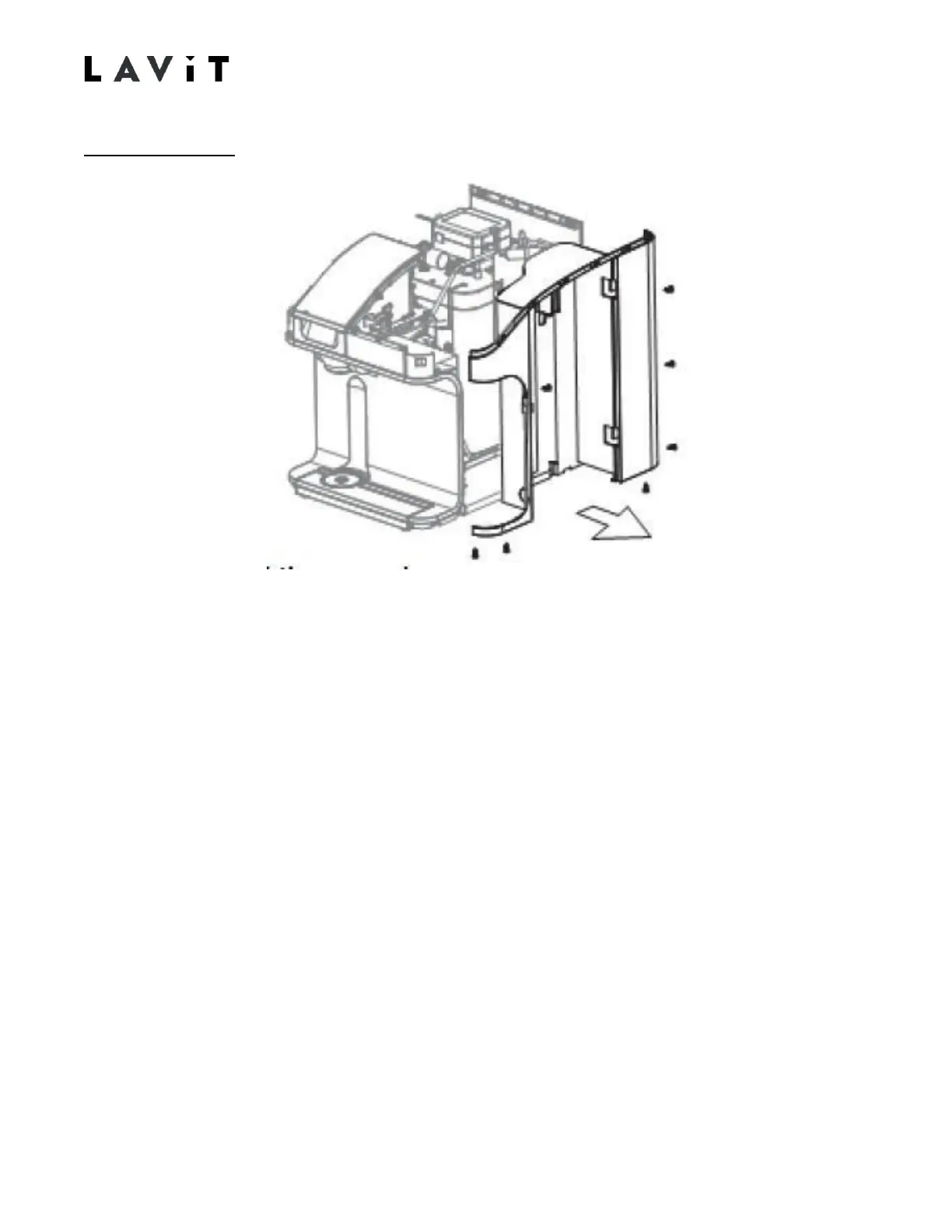
Right Side Panel
1. Remove the three rear screws. Not that the bottom rear screw is longer than the others
and should be reinstalled in the bottom slot.
2. Remove the three base screws.
3. Remove the side panel screw found near the magnet on the inside front of the side
compartment.
4. Remove the panel. Carefully undo the top front snap fitting while removing panel. When
reinstalling ensures the snap connection is made.



 To Next Page