30
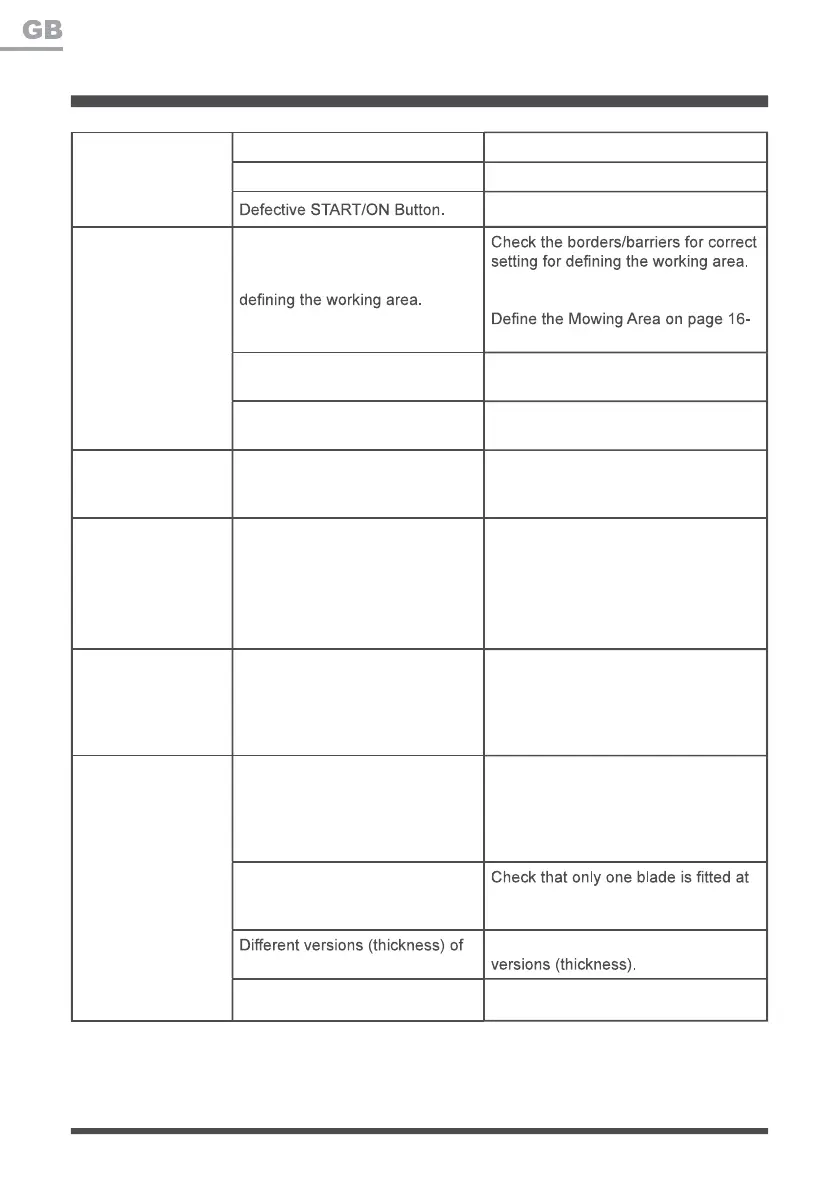
TROUBLESHOOTING
The grass is too long. Set a higher cutting height.
The battery is defective. Replace the battery.
Contact the After Sales Helpline.
The robotic
lawnmower runs
outside working
area.
Incorrect barriers are used for Make improvements or temporary
barriers if necessary. Refer to the
18.
The ultrasonic sensors are turned
off.
Turn on the ultrasonic sensors.
The working area is steeper than
35%.
Delimit the area that is steeper than
35%.
The robotic
lawnmower is upside
down.
The robotic lawnmower is leaning
too much or has turned over.
Turn the robotic lawnmower the right
way up and rectify the reason for it
getting turned over.
Unknown problem
with control or
function.
Temporary electronic or software
related issue in the mower.
Remove and re-insert the isolator key.
Restart the mower. Download and
install the latest software update. If
the problem remains, contact the After
Sales Helpline.
The robotic
lawnmower runs on
the lawn, but the
blade disc does not
rotate.
The robotic lawnmower searches
for correct working area.
This is normal. The mower needs
to work in a suitably wide area. The
blade disc does not rotate while it is
searching for the proper working area
automatically.
The robotic
lawnmower vibrates.
Cutting blades are damaged.
Replace the blades. Refer to
Replacing the Mower Blade section
on page 26-27. Visit www.cleva-
europe.com for info on where to buy
blades.
Too many blades in the same
position lead to imbalance in the
cutting system.
each screw and that blades are not
stuck.
blades are used.
Check if the blades are of different
The blade screw is loose. Tighten the blade screws.







 To Next Page