V_pro8 Manual V1.0/2 45
Operation (Web Browser Control)
Operating Principles
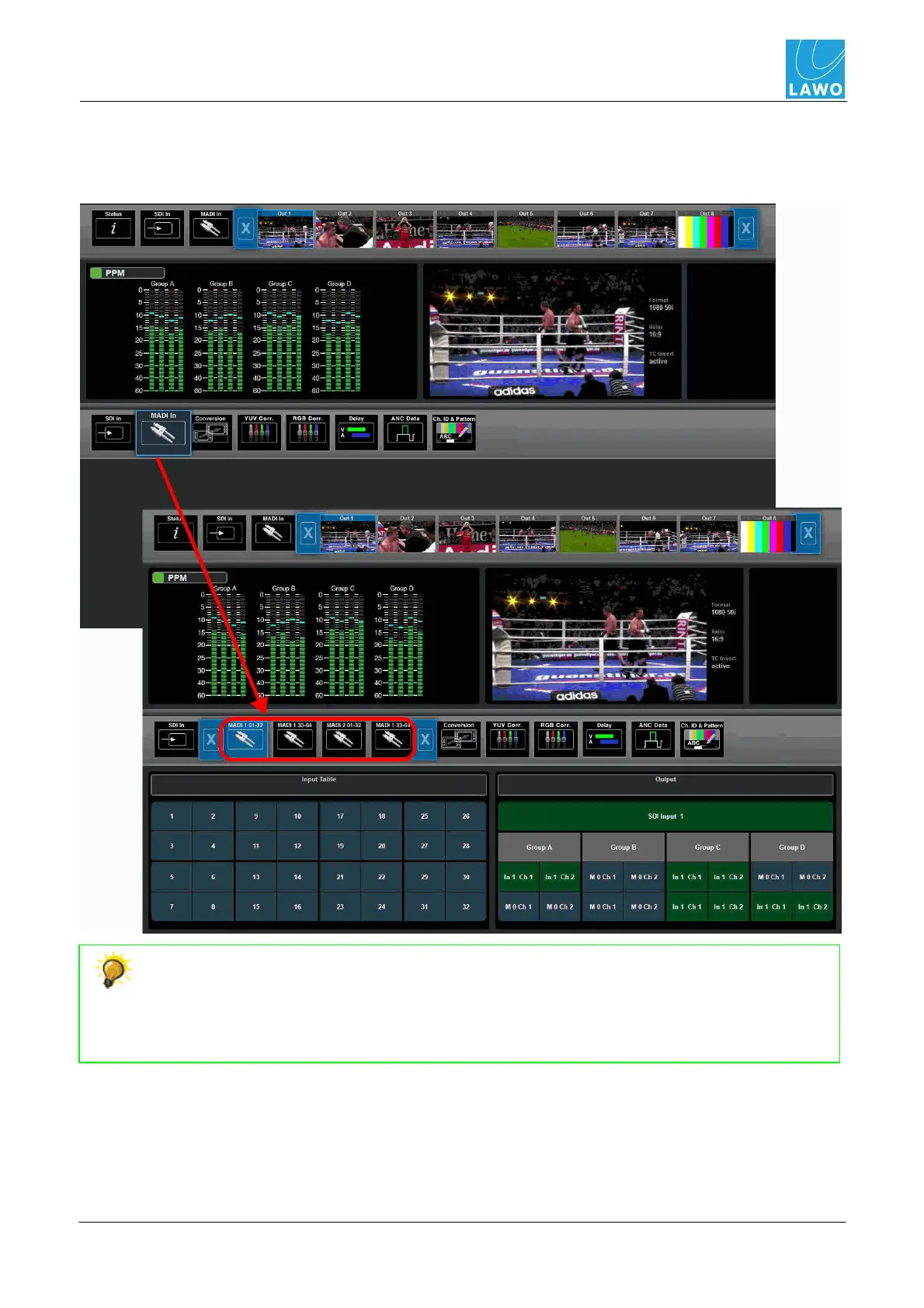
The sub menus work in a similar manner - for example:
1. Select SDI Out (main menu) and MADI In (sub menu) - MADI In expands to reveal the
different MADI channel options:
Whenever you return to a menu, your last sub selections remain open. For example,
select SDI In (main menu) and Delay (sub menu). Then select SDI Out (main menu) and
Delay (sub menu). If you now switch between SDI In and SDI Out from the main menu
bar, both sub menu selections are set to Delay. This makes it very fast to switch between
input and output delay parameters.



 To Next Page