V1.0/268 V_pro8 Manual
Operation (Web Browser Control)
SDI In
SDI In
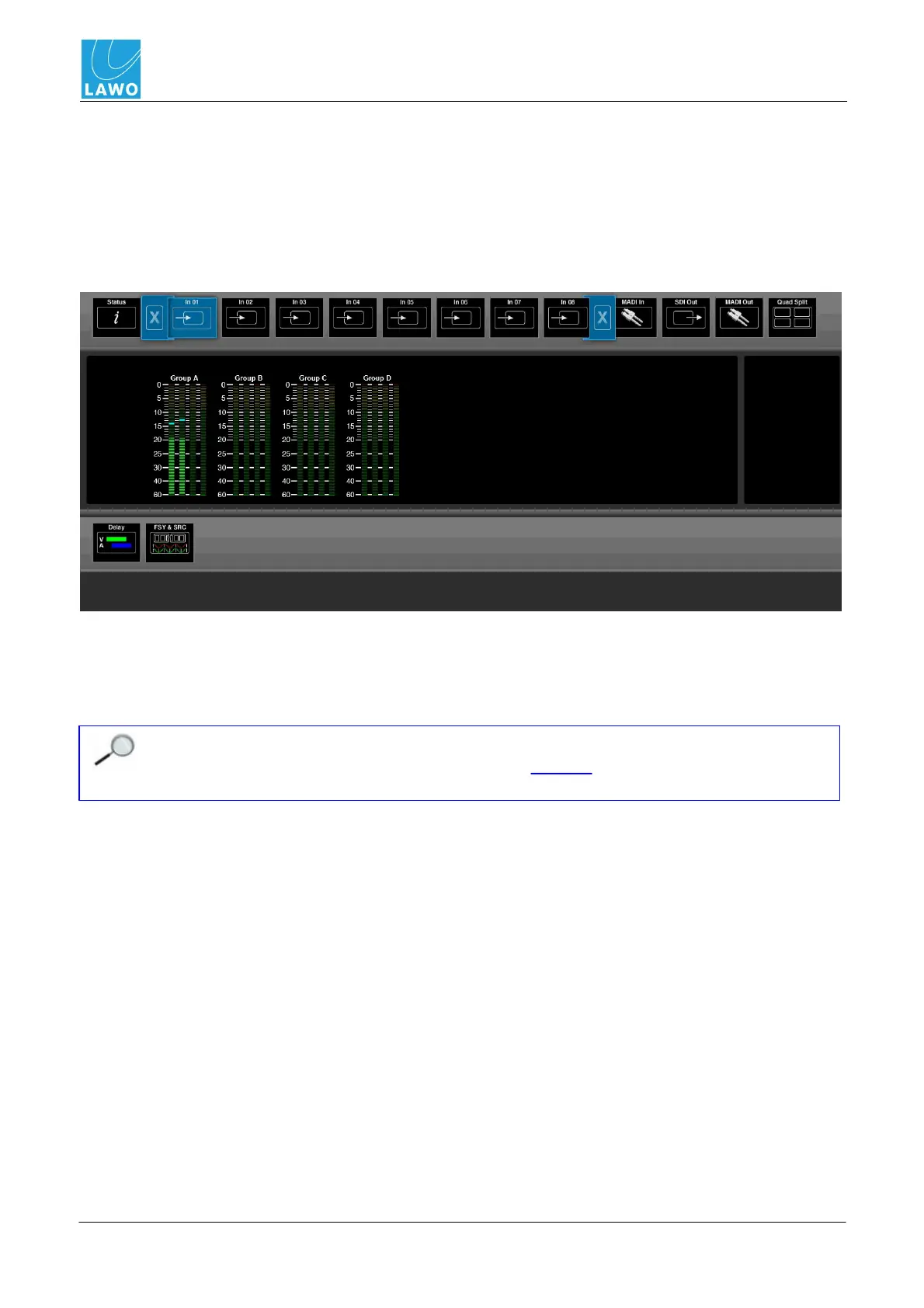
This main menu displays audio metering and provides access to input delay (video and audio), video
frame sync and audio sample rate conversion.
1. Select SDI In and an input (In01 to In08) from the main menus.
In the upper part of the operating window you will see PPM metering for the 16 de-embedded audio
channels:
The meter scale is dBFS, and includes a peak hold indicator (green) and overload flag (red) if audio
levels reach 0dBFS. The peak hold indicator clears automatically after a few seconds.
The lower half of the screen can be used to adjust Delay or FSY & SRC (Frame Synchronisation &
Sample Rate Conversion) for the selected SDI input.
Note that video is not monitored for the SDI Inputs, so you will not see video thumbnails or
a preview. To preview your incoming video, select SDI Out and change video channel
routing accordingly.



 To Next Page