V1.0/290 V_pro8 Manual
Operation (Web Browser Control)
Timing
Timing Position
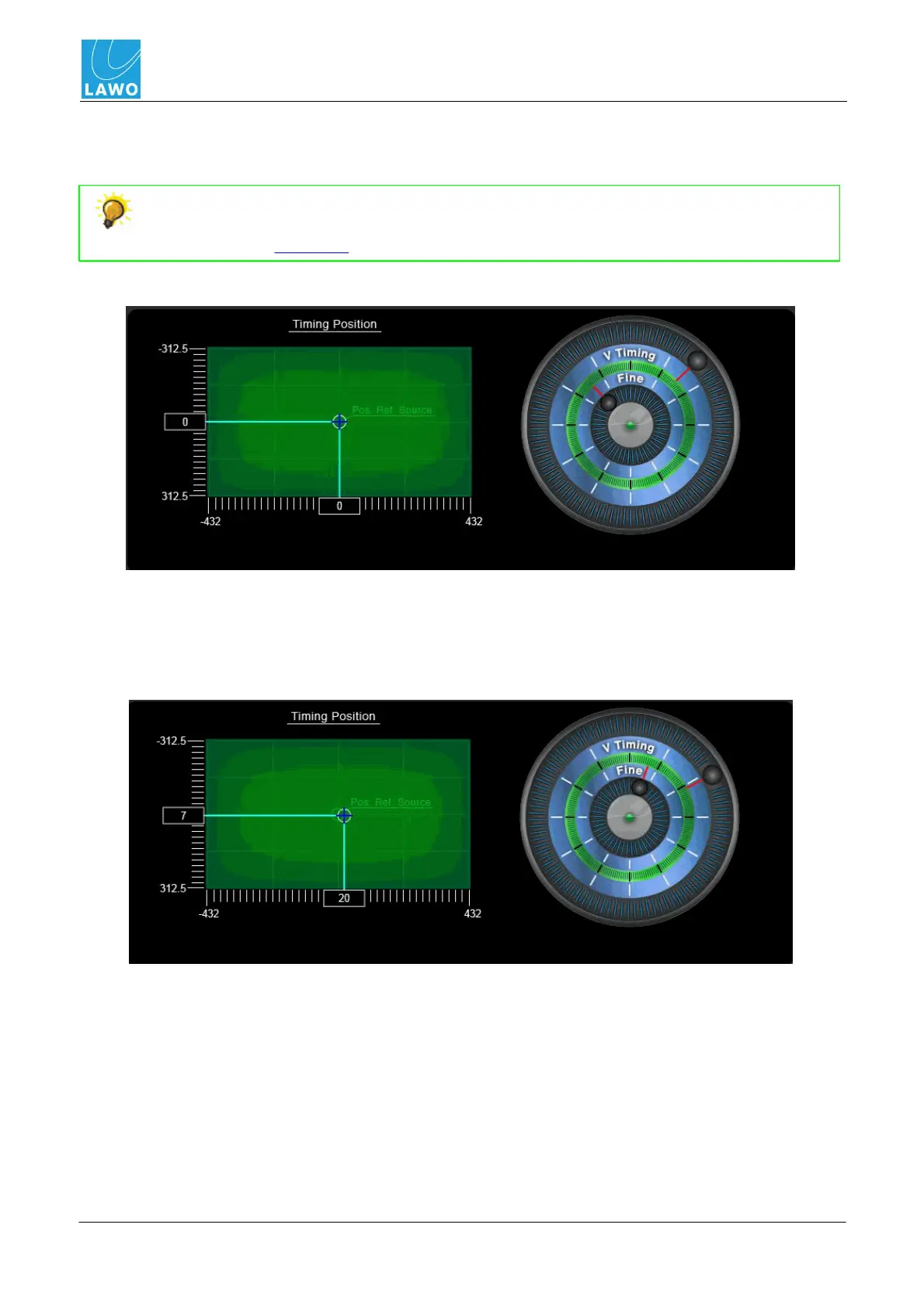
This area adjusts the timing position of the pro8 system with respect to its video reference signal.
You can use this parameter to set an offset between the pro8 and an external video
reference. For example, while installing your system. Select the external video reference
signal using the Video Ref field.
The default timing position is shown below. The graph displays pixels (X axis) versus lines (Y axis):
2. Click and drag the inner timing wheel to adjust the pixel position.
3. Click and drag the outer timing wheel to adjust the line position.
The timing position of the pro8 moves. You will see the new position compared to that of the
reference source on the XY display:



 To Next Page