V_pro8 Manual V1.0/2 91
Operation (Web Browser Control)
Timing
Reference Settings
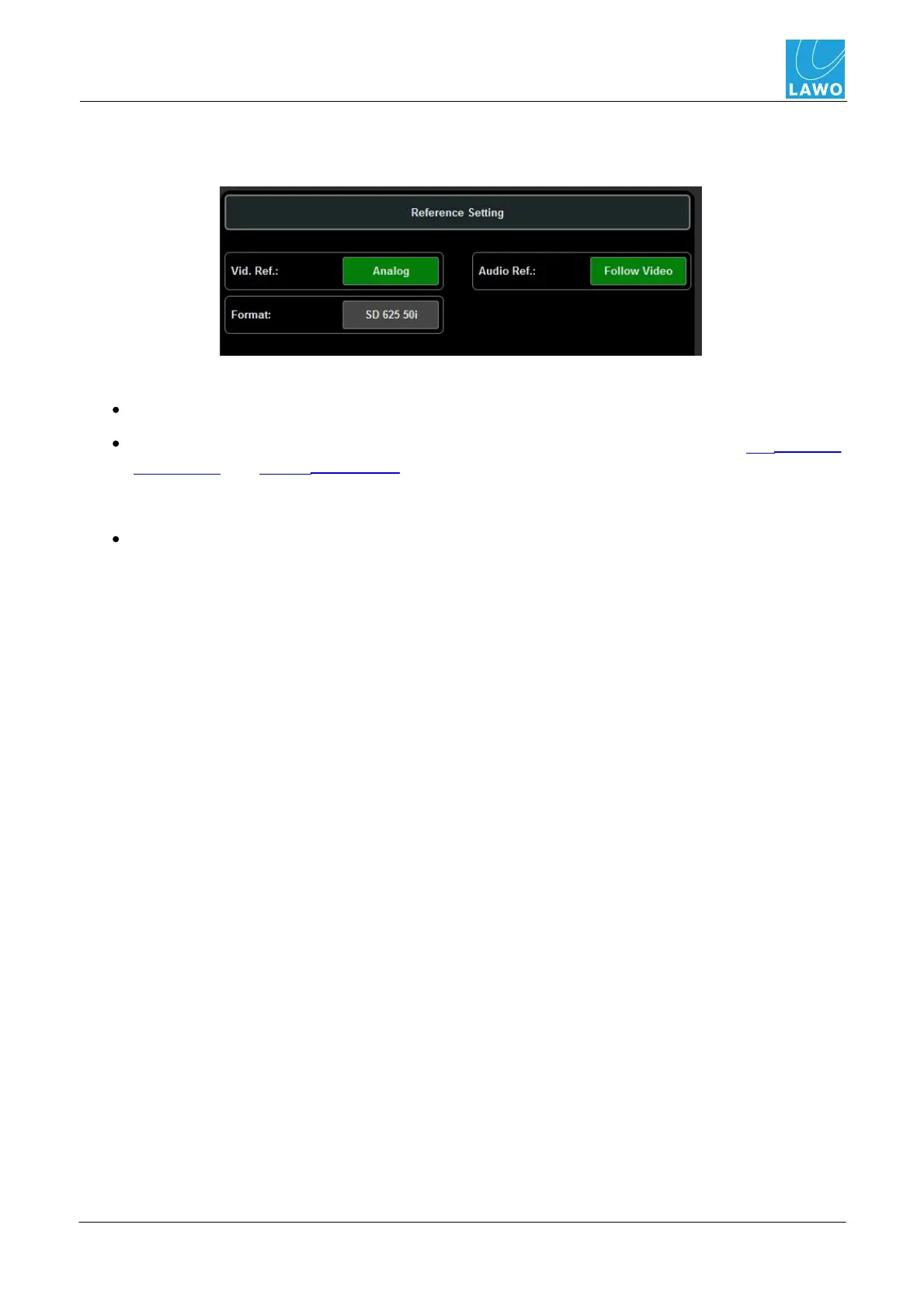
This area selects the video and audio reference signals for the pro8 system:
Green buttons indicate an active setting; red buttons are inactive. The buttons are used as follows:
Vid. Ref. - selects the video reference signal (in our example, Analog).
Format - affects the video format options which may be selected in the SDI Out ->
Conversion and Timing -> Ref Out. If the Video Ref is set to an external reference such as
Analog, then the system automatically detects the format and defines the available Format
conversion options.
Audio Ref. - selects the audio reference signal (in our example, Follow Video).



 To Next Page