V_pro8 Manual V1.0/2 93
Operation (Web Browser Control)
Timing
Ref Out
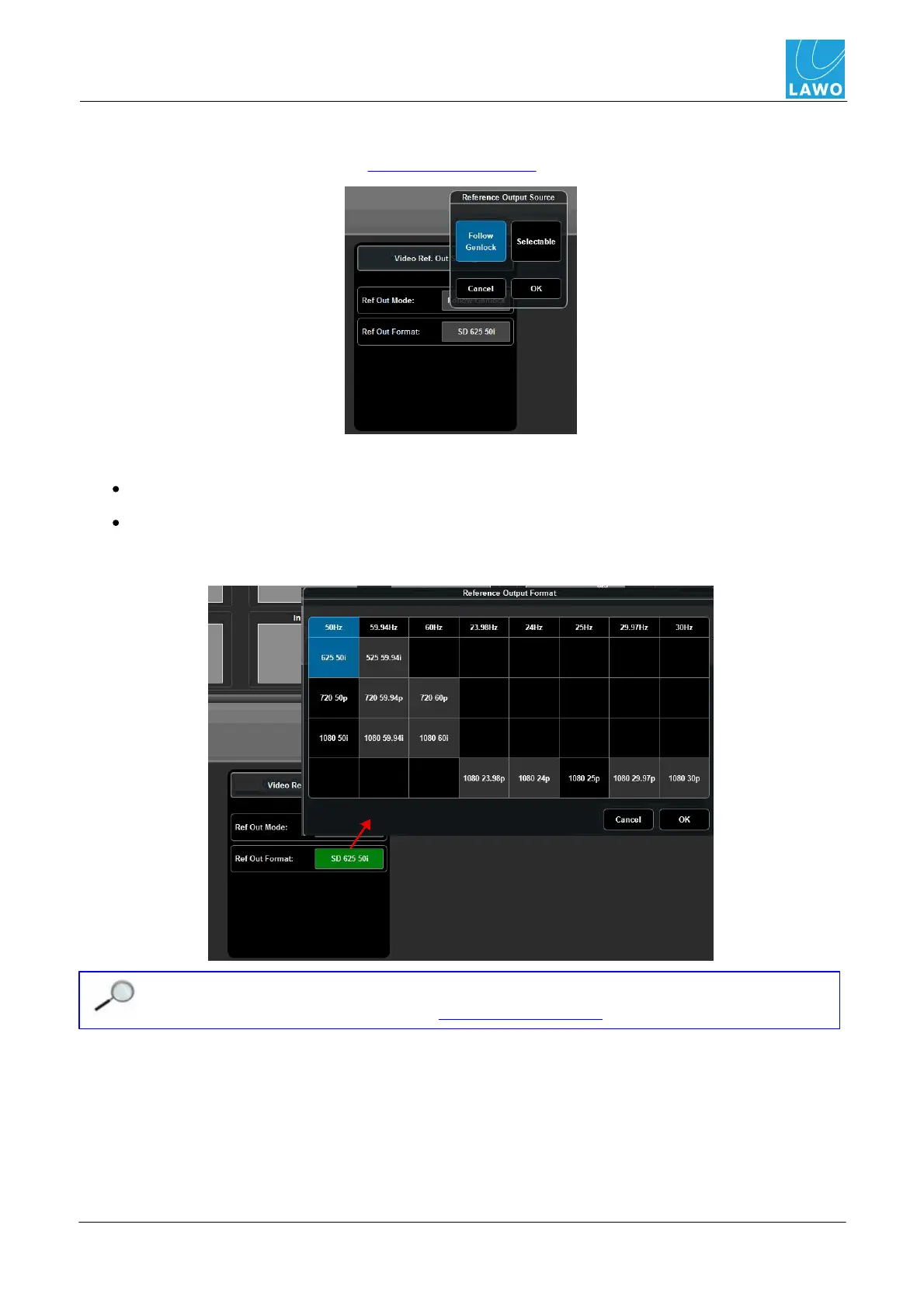
This sub menu selects options for the video reference output on the pro8's rear panel:
Two different Ref Out Modes are available:
Follow Genlock - the video output follows the Master Genlock.
Selectable - click on Ref Out Format to select the video output format; black buttons can be
selected; grey buttons cannot (as they are not supported by the current video reference). In
our example, we can select any 50Hz format or derivatives such as 1080 25p:
You can change which output format options are black (selectable) by changing the Video
Reference and/or Format field in the Timing -> Timing Pos menu.



 To Next Page