V1.0/296 V_pro8 Manual
Operation (Web Browser Control)
Settings
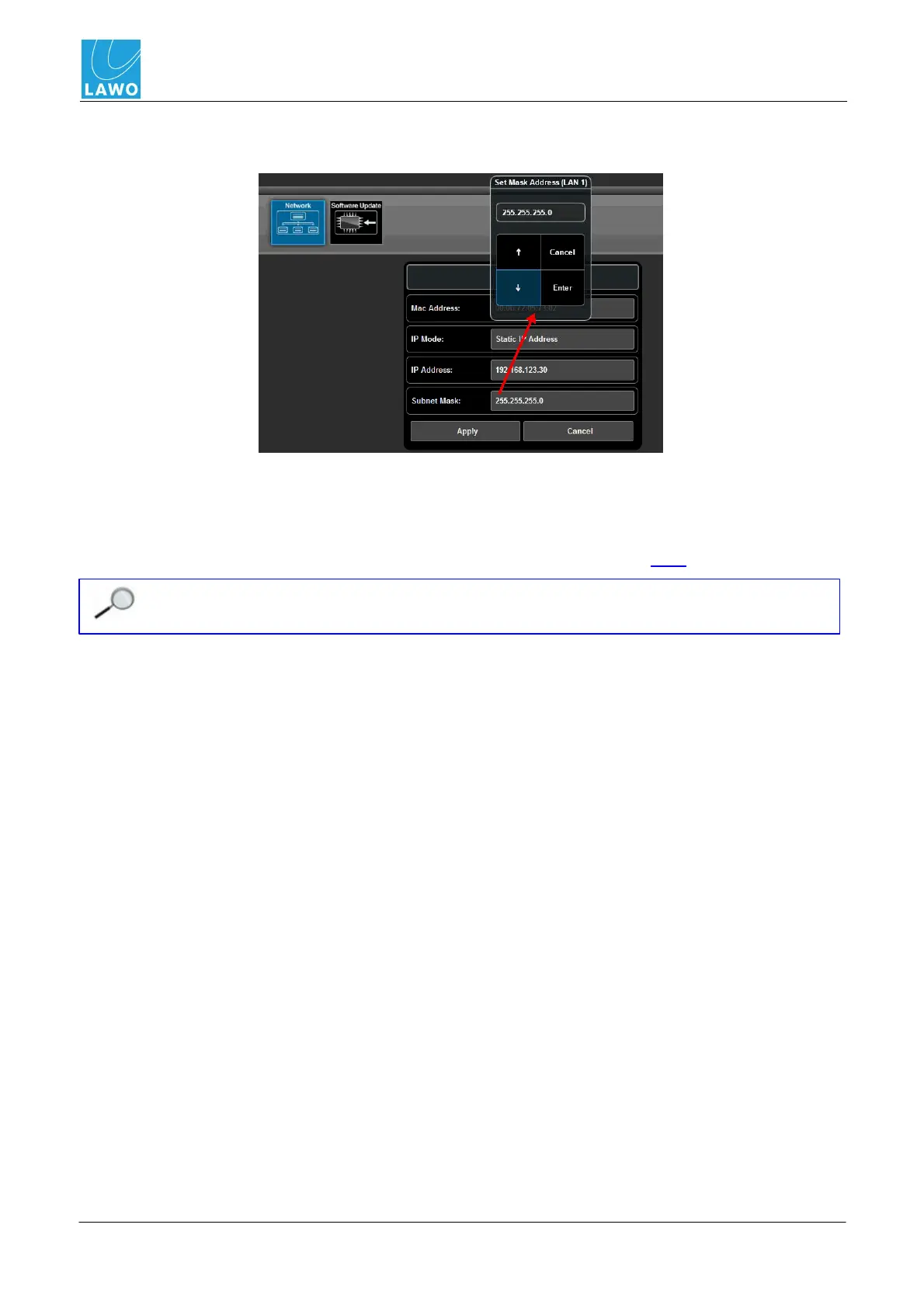
2. Click on the current Subnet Mask to open the pop-up selector. Click on the up or down arrow
buttons to adjust the subnet mask and click Enter.
The Subnet Mask field updates.
3. When you are happy with the new IP settings, click on Apply.
The LAN port settings are reset. Providing your computer's Network Interface Card is within the same
IP range, the browser automatically reconnects, and you are returned to the login screen.
Both LAN ports will be disconnected for a short time, after changes to the Network settings
are applied.



 To Next Page