EasyManua.ls Logo

LD SP Series - User Manual

LD SP Series
21 pages
Go to English
Print Icon
To Next Page IconTo Next Page
Loading...
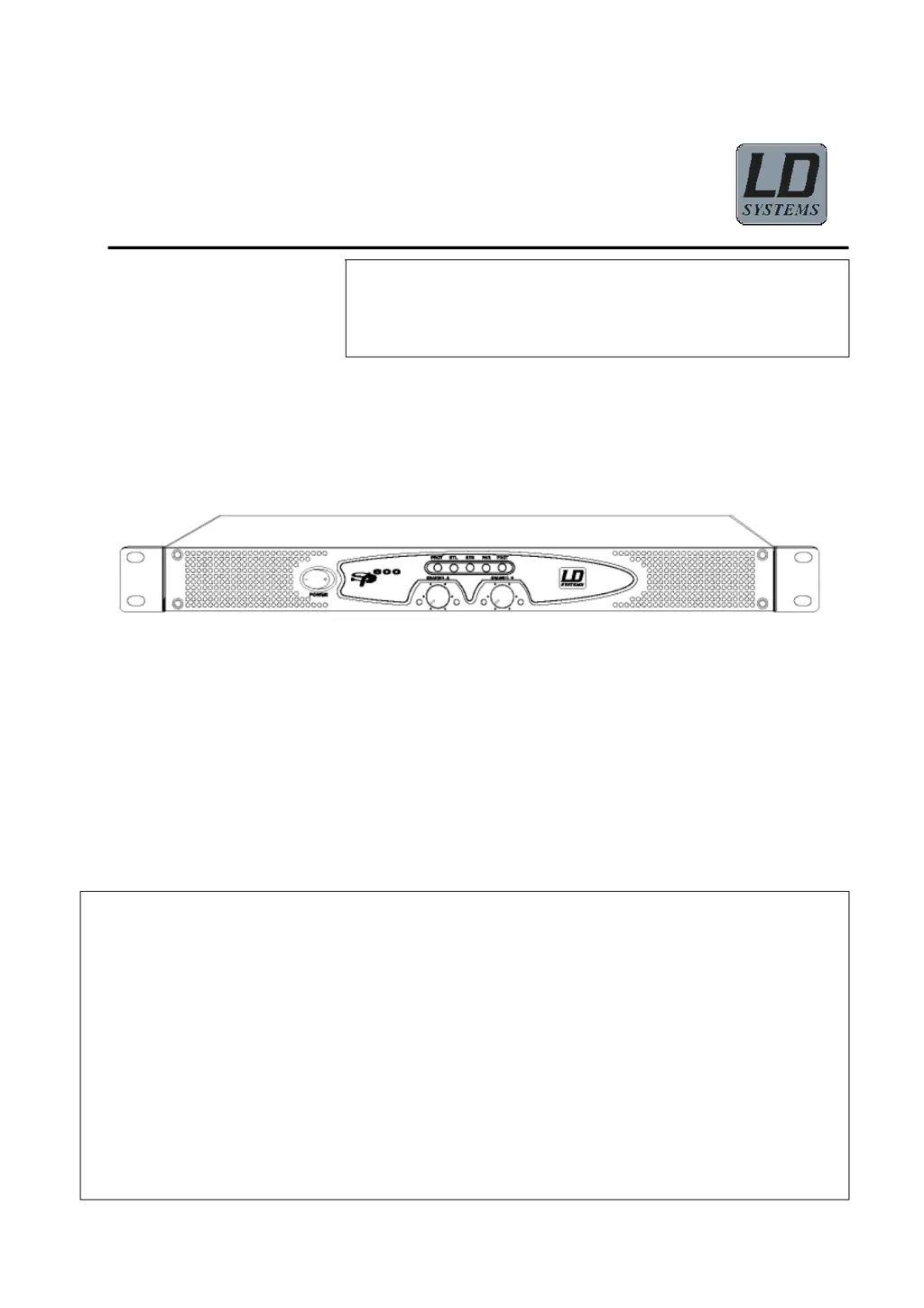
SP Series
Professioneller Leistungsverstärker
SP-600
BEDIENUNGSAN
LEITUNG
Wir freuen uns, dass Sie sich für ein Audioprodukt von LD Systems
entschieden haben. Bitte lesen Siediese Bedienungsanleitung vor
Inbetriebnahme des Verstärkers sorgfältig, und bewahren Sie sie
für spätere Referenzzwecke auf.
Inhalt
Sicherheitshinweise …...…… ………… ...1 Anschlüsse (Signalausgang) ..……… …..4
Grundfunktionen ....……….…… ……… …..1 Bedienung. …………………………….… ..6
Vorsichtsmaßnahmen………………… …….2 Wartung & Pflege……… …… ……………7
Gerätefront ………..….…..……………….….2 Erste Hilfe bei Problemen…… ….………..7
Geräterückseite..…….…… ………………….3 Technische Daten……………………....... .8
Anschlüsse (Signaleingang) ..…… … …......3

Questions and Answers

  • J
    Jason HolmesJul 29, 2025
    Why LD Amplifier has no sound?
    • P
      Paul RobinsonJul 29, 2025
      Several factors might cause a lack of sound from your LD Amplifier. First, ensure that the signal source equipment is connected to the amplifier and powered on. Check the speaker connections for looseness or damage. Confirm that the connection between the amplifier and speaker is correct. Finally, thermal protection may be activated if the amplifier is overloaded or poorly ventilated; ensure proper ventilation and check the fans.
  • A
    Angela GarciaAug 9, 2025
    What to do if my LD Amplifier doesn't turn on?
    • J
      Jimmy GilbertAug 9, 2025
      If your LD Amplifier isn't responding when you turn it on, first, ensure the power is turned on. Check the power cord to make sure it's firmly connected to the mains supply. If the issue persists, turn off the power and inspect the fuse on the rear panel; if the fuse is blown, replace it with one of the same type.
  • C
    Caleb SmithAug 19, 2025
    How to increase output volume on LD Amplifier?
    • W
      wsmithAug 19, 2025
      If the output volume of your LD Amplifier is inadequate, first, check the signal input level (volume) and adjust it to an appropriate intensity. If the signal source equipment (like a CD player) has a low output, increase its output or adjust the input sensitivity of the amplifier.

Summary

Safety Instructions

Precaution

Front Panel Overview

PROT (Protect); YELLOW LED

Alerts to protection status, including startup, overheating, or DC fault.

Input Level Controls (Volume)

Potentiometers to adjust the input signal volume for amplifier channels.

Rear Panel Connections

Input Connectors

Details the Combo XLR/Jack input connectors and their pin assignments.

Mode Switch

Allows selection between Stereo, Bridge, or Parallel operation modes.

Connections (Signal Input)

Connection (Signal Output)

General Operation

Operation Procedures

Step-by-step guide for operating the amplifier, including connections and settings.

Mode Operation Procedures

Detailed setup for Bridge, Parallel, and Stereo modes.

Troubleshooting

LD SP Series Specifications

General IconGeneral
InputsXLR
Protection CircuitsOverload, Short Circuit
Frequency Response20 Hz - 20 kHz
Input Sensitivity1V
Input Impedance10 kOhms (Unbalanced)
Output Impedance4 Ohms

Related product manuals