System Installation
Photon II System Guide 13
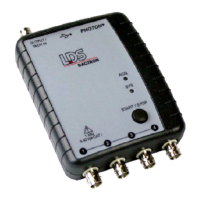
3. Plug the USB cable into the Photon II and the PC.
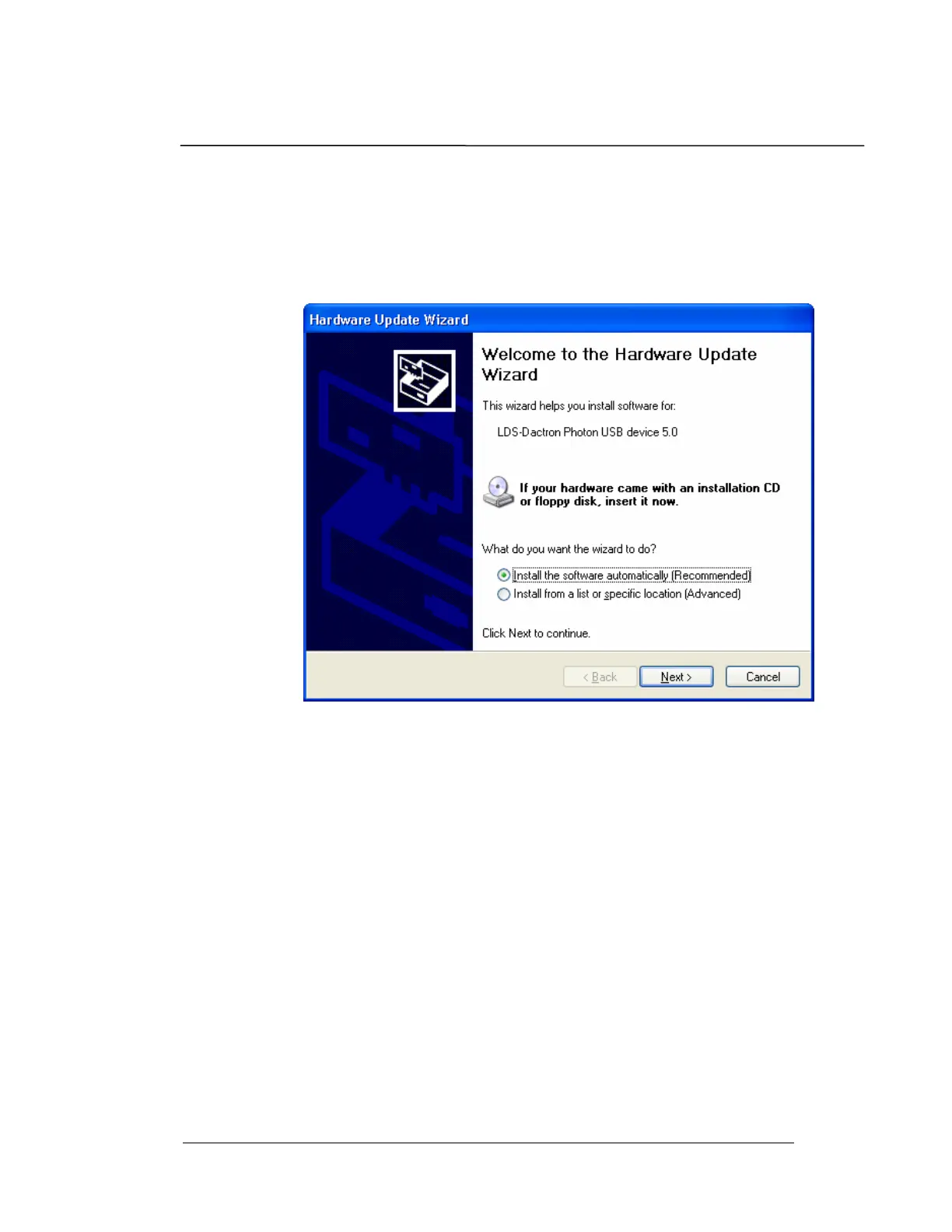
The PC will auto detect the presence of the new hardware and
launch the “Add New Hardware Wizard.” Note the dialog boxes
shown below are from Windows XP. The dialogs for Windows
2000 will vary slightly.
3. Select “Install the software automatically (Recommended)”
4. Click on the Next button.
5. Once the Photon USB driver is located, it will automatically
install


 To Next Page