System Troubleshooting
Photon II System Guide 40
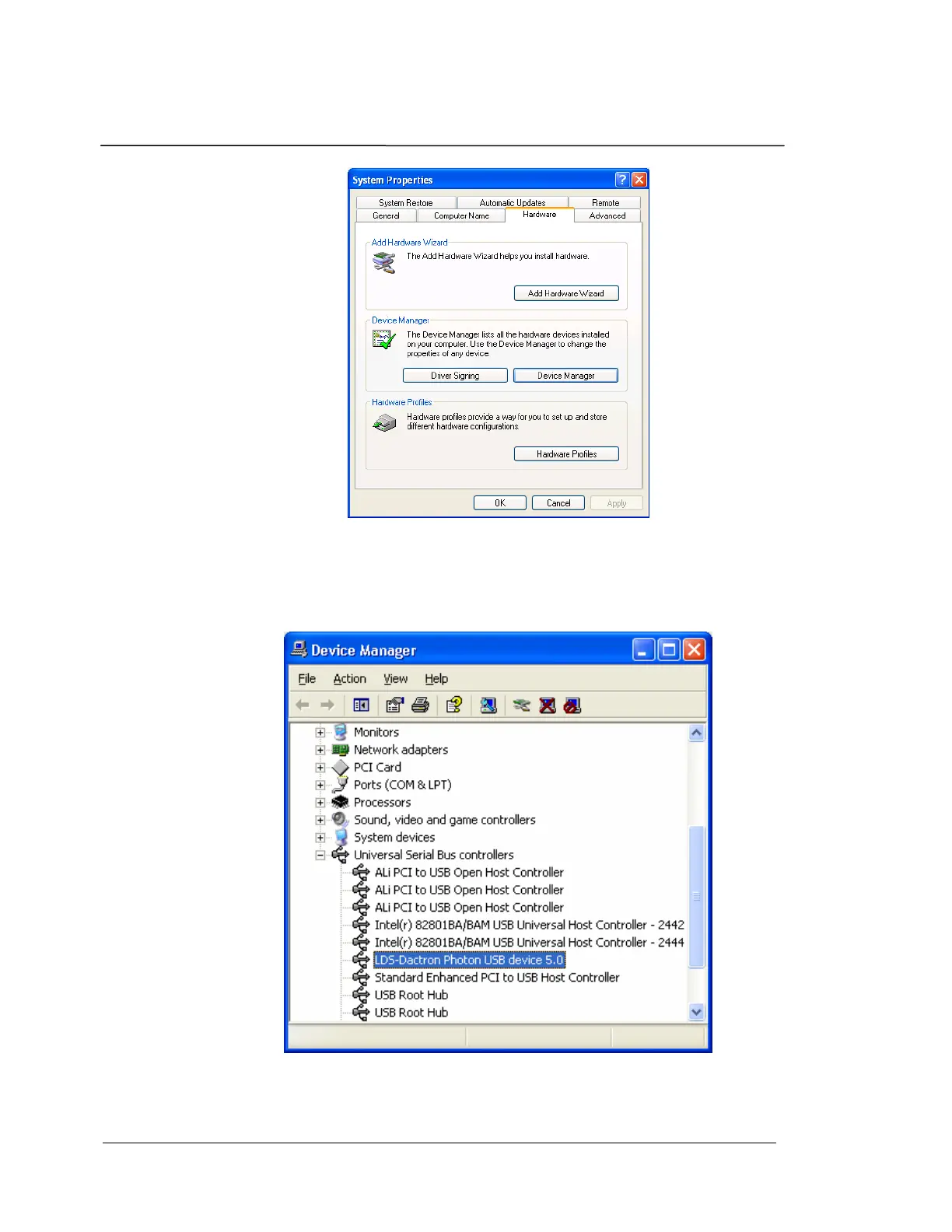
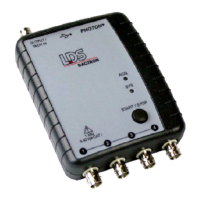
Scroll down to Universal Serial Bus controllers and click on the + box to
expand the view and see all installed USB devices. If the device and
driver have been installed correctly, then you should see “LDS-Dactron
Photon (USB) device” in the list as shown below.
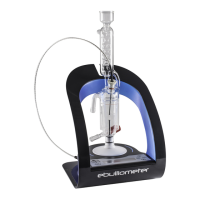
The LDS-Dactron Photon USB device driver will only be listed if the
Photon II hardware is connected to the PC via the USB cable. If the
Photon II is not connected it will not be listed in the Device Manager list.


 To Next Page