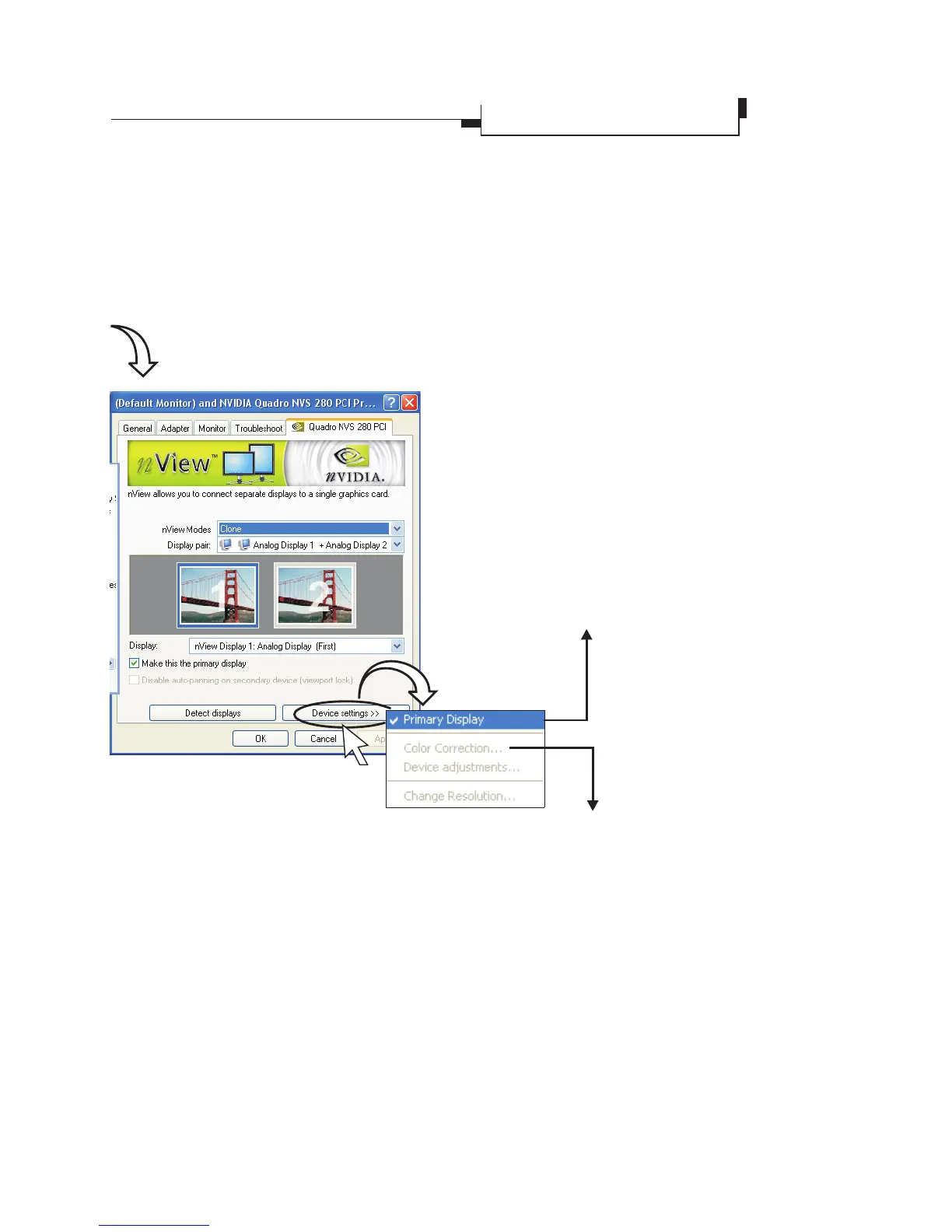
Device Settings Button
Press to open a popup menu that includes
settings for output devices.
nView Tab
èDevice Settings
Primary Display
Click on one of the screens in the
preview window of the nView dialog
box to highlight it with a blue frame.
Tick the
check box to set the selected
screen the primary display (Screen 1).
When clicking the
button, you can see on the popup
menu is checked.
Make this the primary
display
Device Settings
Primary Display
Color Correction
USE the setting options to adjust the
brightness, contrast, and gamma.
(Cont'd)
18
Display Properties
Advanced Settings



 To Next Page