Installing 2 Bundled Software
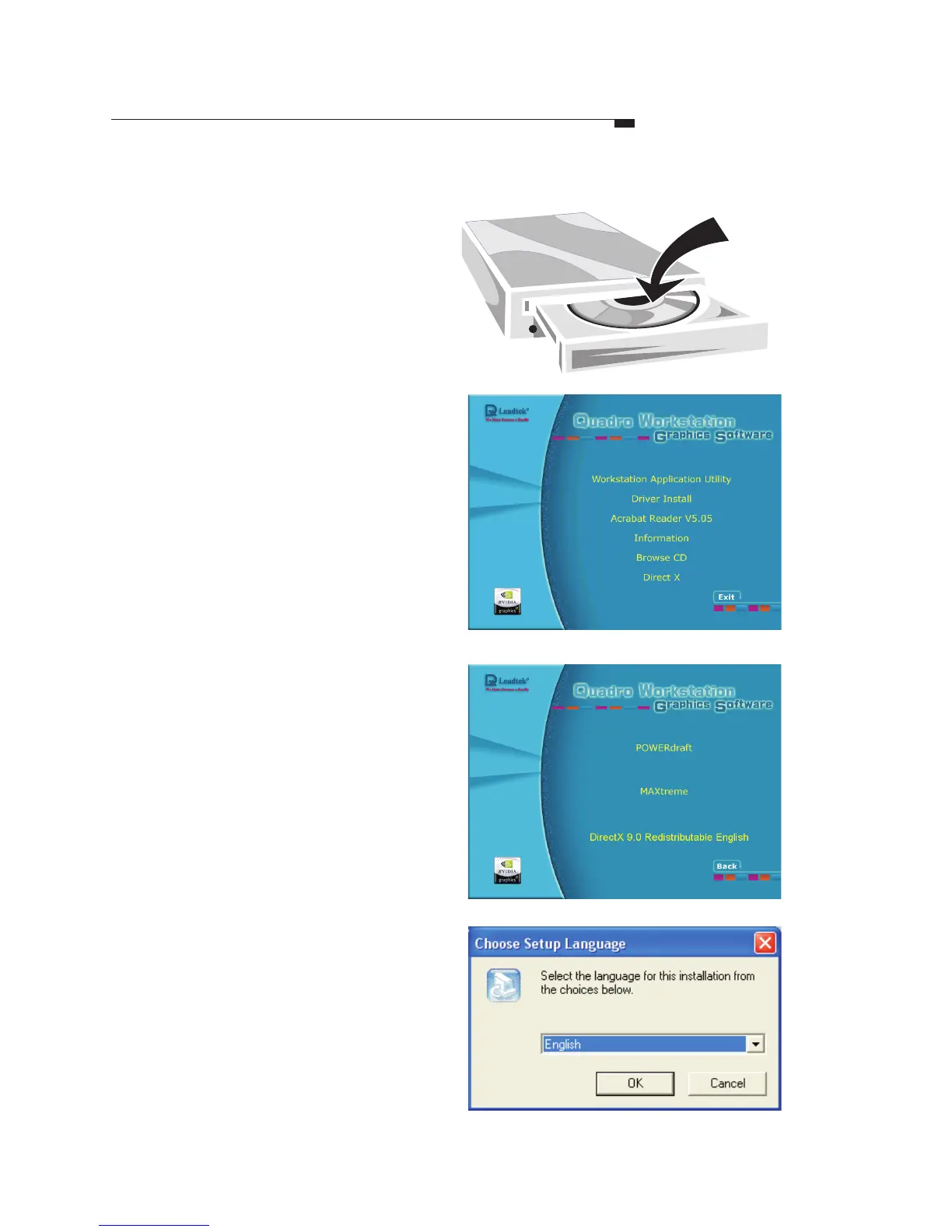
Step1
Step2
Step3
Step4
Insert the
software pack
CD into the
CD-ROM drive.
The screen will
display on the screen. Select
by clicking on it.
Autorun
Workstation Application
Utility
Select a language that is used
on your system. Then follow
the instructions that appear in
the subsequent prompts to
finish installation.
Select one application program
you prefer to use from
MAXtreme and POWERdraft.
32



 To Next Page