Display Properties
Settings
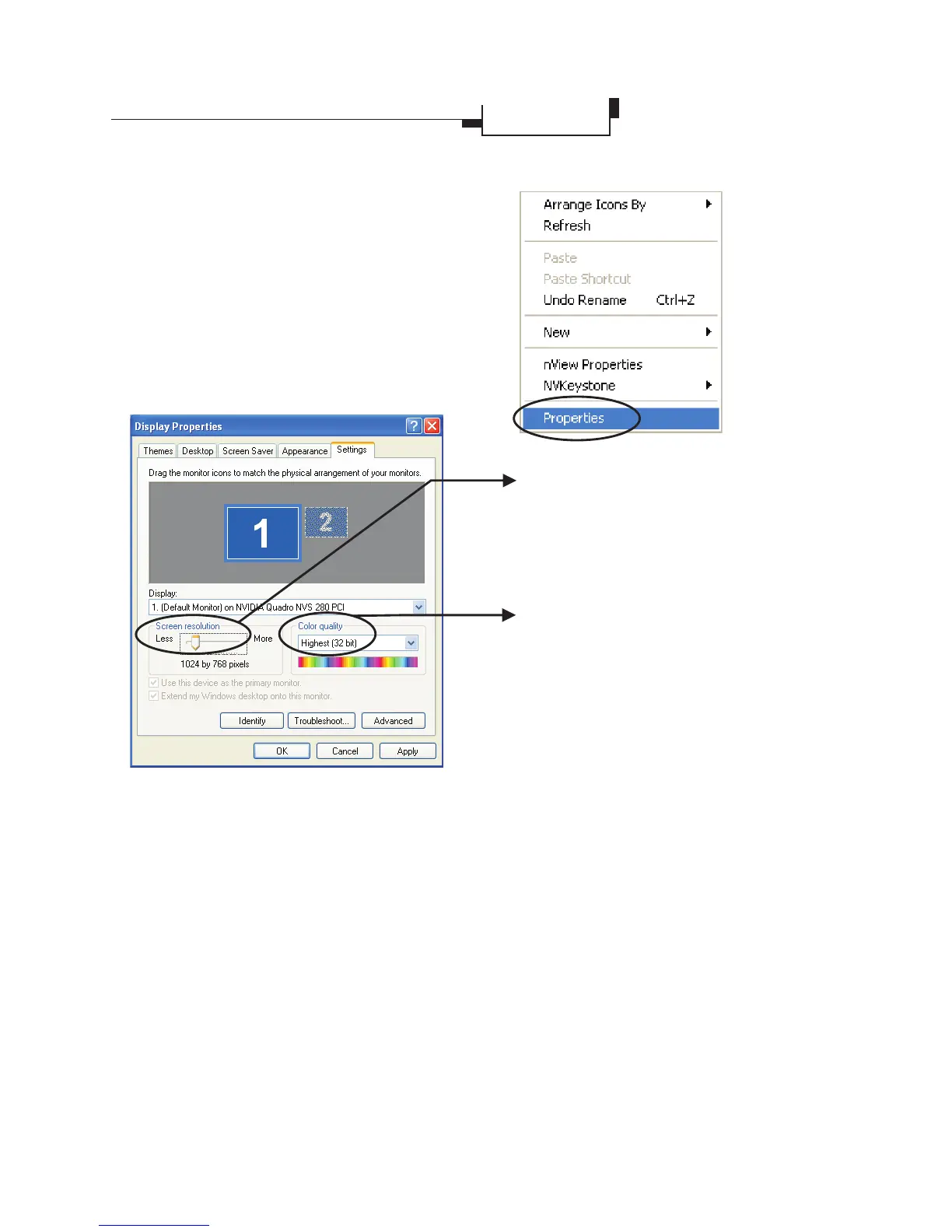
Right click on the desktop,
then click on
the popup menu to bring up
the display properties
dialog box. Click the
tab to set the color
mode and resolution of
your preference.
Properties
Settings
Color Quality
You may change the setting to get
color depth you need.
Display Area
Supports VESA standard super high-
resolution graphics modes.
If you have a second display connected to the
Quadro graphic card, the tab is shown
as above. Right click on the desktop, then click
on the popup menu to bring up the
display properties dialog box.
Settings
Properties
Leadtek Quadro Series General Guide 13
(Continued on next page)



 To Next Page