EasyManua.ls Logo

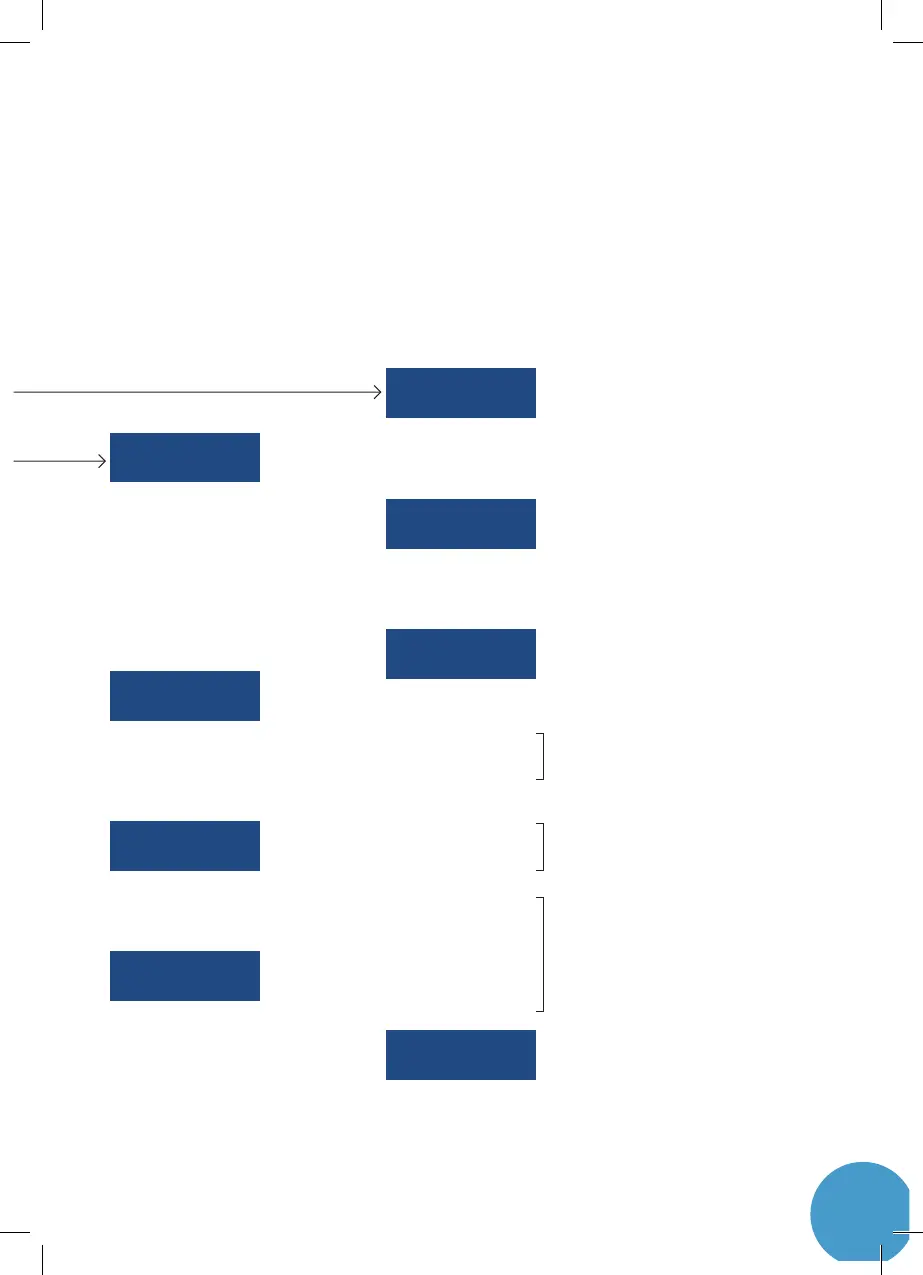
Leakomatic M4i - SETTINGS MENU STRUCTURE; General Settings; Flow Test Settings; Quick Test Settings

Leakomatic M4i
52 pages
Print Icon
To Next Page IconTo Next Page
To Previous Page IconTo Previous Page
Loading...
9
General >
Network >
Quick test >
Input handling >
Flow test >
Valve handling >
Tightness test >
Output handling >
> Startup mode
> Sound alert
> Silent time
> Sleep length
> Language
> Set clock
> Timezone
> Restart device
> Factory reset
> Conditioning
> Time of day
> Sensor diag.
> AUX1 IN
> AUX1 active
> AUX1 pulse unit
> AUX1 pulse size
> AUX1 calibration
> AUX2 IN
> AUX2 active
> AUX2 pulse unit
> AUX2 pulse size
> AUX2 calibration
> Analog input*
> Sensor min
> Sensor max
> Event high
> Threshold high
> Event low
> Threshold low
> Hysteresis
> AUX out active
> AUX out when
> WiFi
> WiFi network
> Cloud PIN
> FT alarms
> FT time away
> FT time home
> FT alarm delay
> QT alarms
> QT index limit
> QT alarm delay
> TT alarms
> TT count
> TT length
> TT alarm delay
HOME HH:MM
OK 0.37
FLOW TEST ALRM
00:33:29
AUX1=LOW
AUX2=123456
EVENTS >
CLOUD ONLINE
192.168.1.121
ANALOG INPUT
DIABLED
SETTINGS >
TIME 23:59
EET 20151001
TIGHTN. TST OK
24h MAX=XX
SENSOR=12345678
VALVE=OPEN
QUICK TEST WARN
1.37 (1.00)
AUX OUT OPEN
STATUS >
SSID=MyWiFi Net
RSSI=74dBm
INSTALLATION >
M4i LOM-301/C
V1.4.0 76d 11 h
TIGHTN. TST CLR
17/11 22:47 WARN
QUICK TEST
23/9 05:03 WARN
AUX2 IN
23/9 05:03 WARN
ANALOG HIGH CLR
ANALOG LOW CLR
ANALOG DIAG CLR
FLOW TEST
1/10 18:03 ALRM
AUX1 IN
23/9 05:03 WARN
SENSOR DIAG. CLR
23/9 05:03
*From rev. LOM-301/B
Only visible if AUX1 In is set to water meter
Only visible if AUX2 In is set to water meter
Only visible if Analog Input is set to pressure or
temp sensor

Other manuals for Leakomatic M4i

Related product manuals