LC Easyjet-16W/18S User Manual V13GZ.1
22
3.1.4 Print Menu
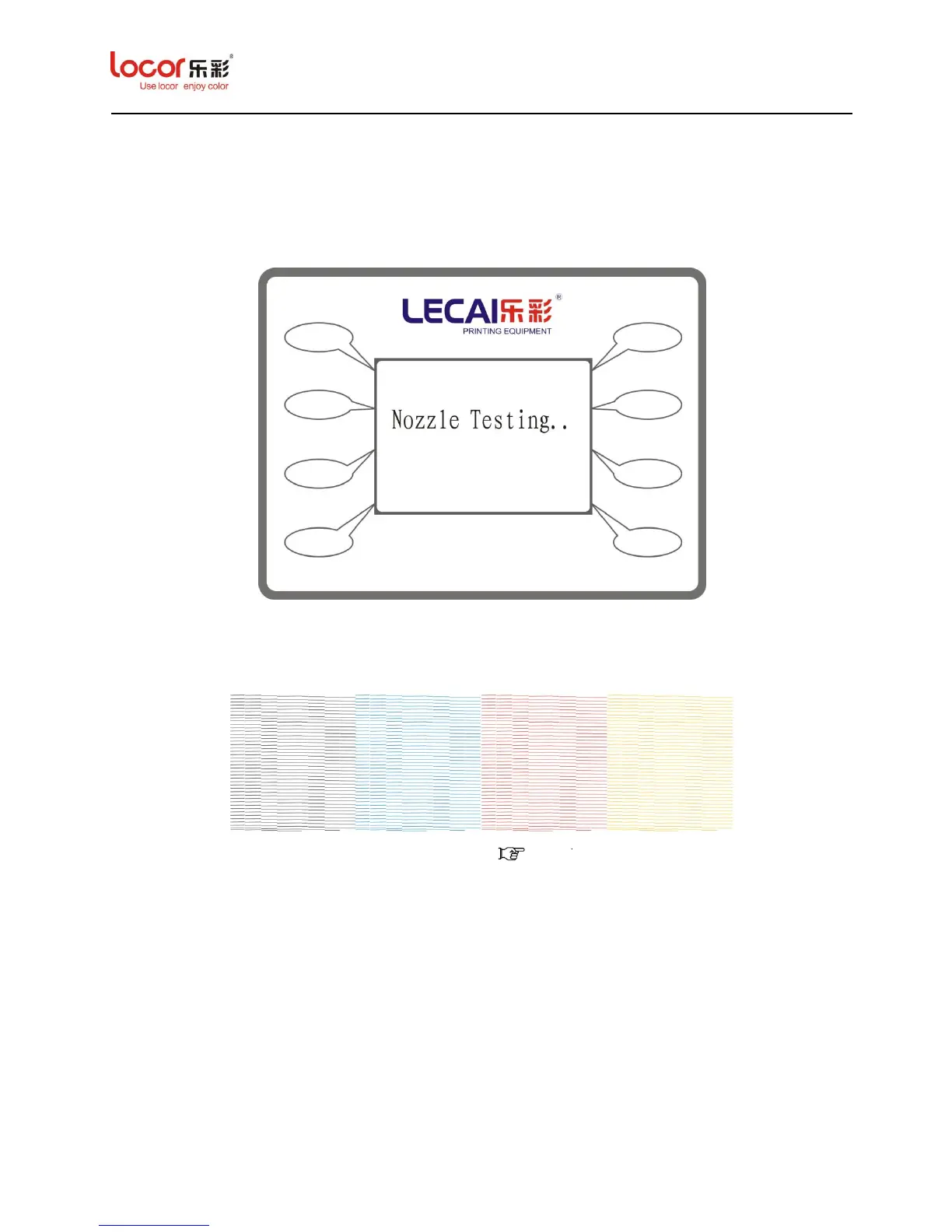
Press “Print ” in Main Menu to print a nozzle testing pattern, as below:
Notice: After testing, it will print out 4 groups of lines (C/M/Y/K) in the media, for checking the
status of nozzles, as below:
Notice: If the status not very well, please clean it ( 3.1.7.2.1)and then test again.
3.1.5 Option Menu
Press “Option” to enter its submenu, as below:



 To Next Page
 Loading...