LC Easyjet-16W/18S User Manual V13GZ.1
28
3.1.7.2.2 Clean Menu (Disable)
3.1.7.2.3 CleanHead Menu ( 3.1.6)
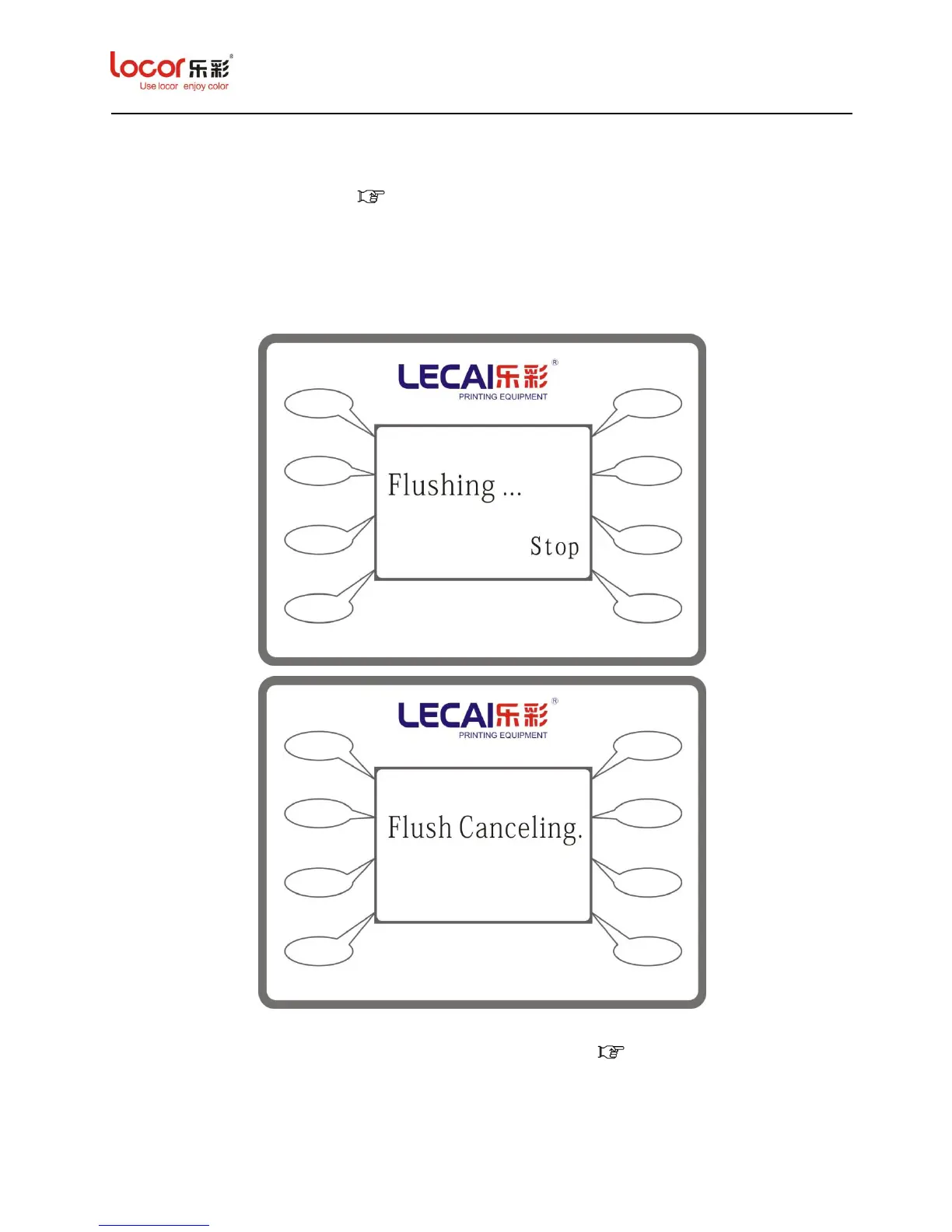
3.1.7.2.4 Flush Menu
Press “Flush” to enter its submenu, as below:
Notice: After press “Flush” the carriage will go to the flush box spit ink from the nozzle until you
press the “Stop”, after stop please check the status of nozzle. ( 3.1.4)


 To Next Page
 Loading...