29
Reference Manual for Operation
Rio Rancho, NM – USA
USB Driver Installation (Windows 2000)
First Time Installation
When a Lecnet2 device is connected to the PC for the
very first time, the Windows Found New Hardware
Wizard automatically opens. Use the following proce-
dure to install the Lecnet2 USB driver using the Wizard.
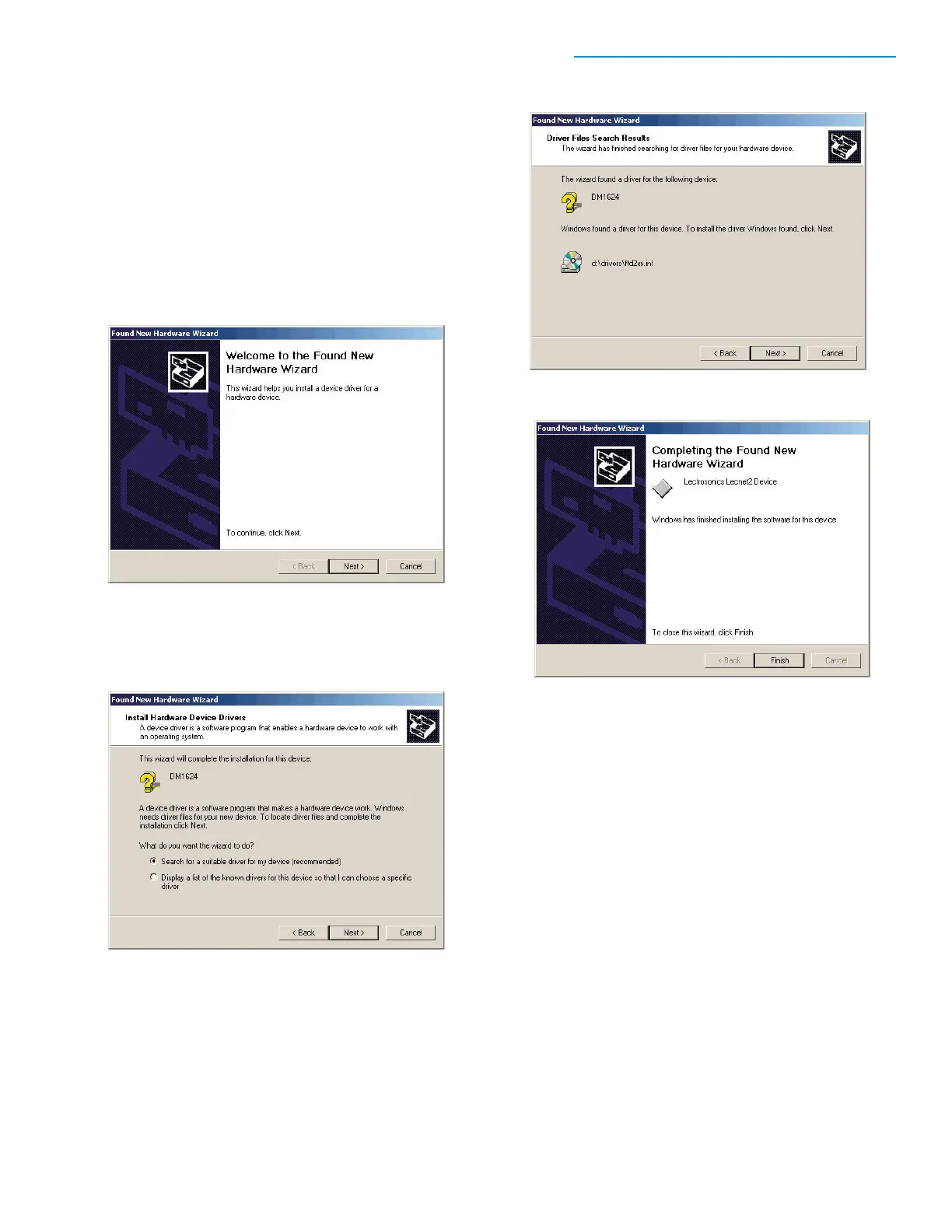
1. Connect a cable between the Venue
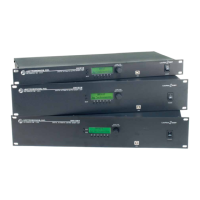
Receiver's USB port and the computer
system. Place the Lecnet2 Installation Disk in
the PC’s CD-ROM drive and click "Next>" to
display the next page.
2. Select "Search for a suitable driver for my
device (recommended)" and click "Next>" to
continue to the next page.
3. Check only "CD-ROM drives" then click
"Next>" to search the LecNet2 CD for the
USB driver. When it is found, the Lecnet2
device name will be displayed. Click "Next>"
to install the driver.


 To Next Page