www.lectrosonics.com 7
AUDIO Button
When the unit is turned on in either the Standby or Operating Mode, pressing
the AUDIO button repeatedly switches between the available settings.
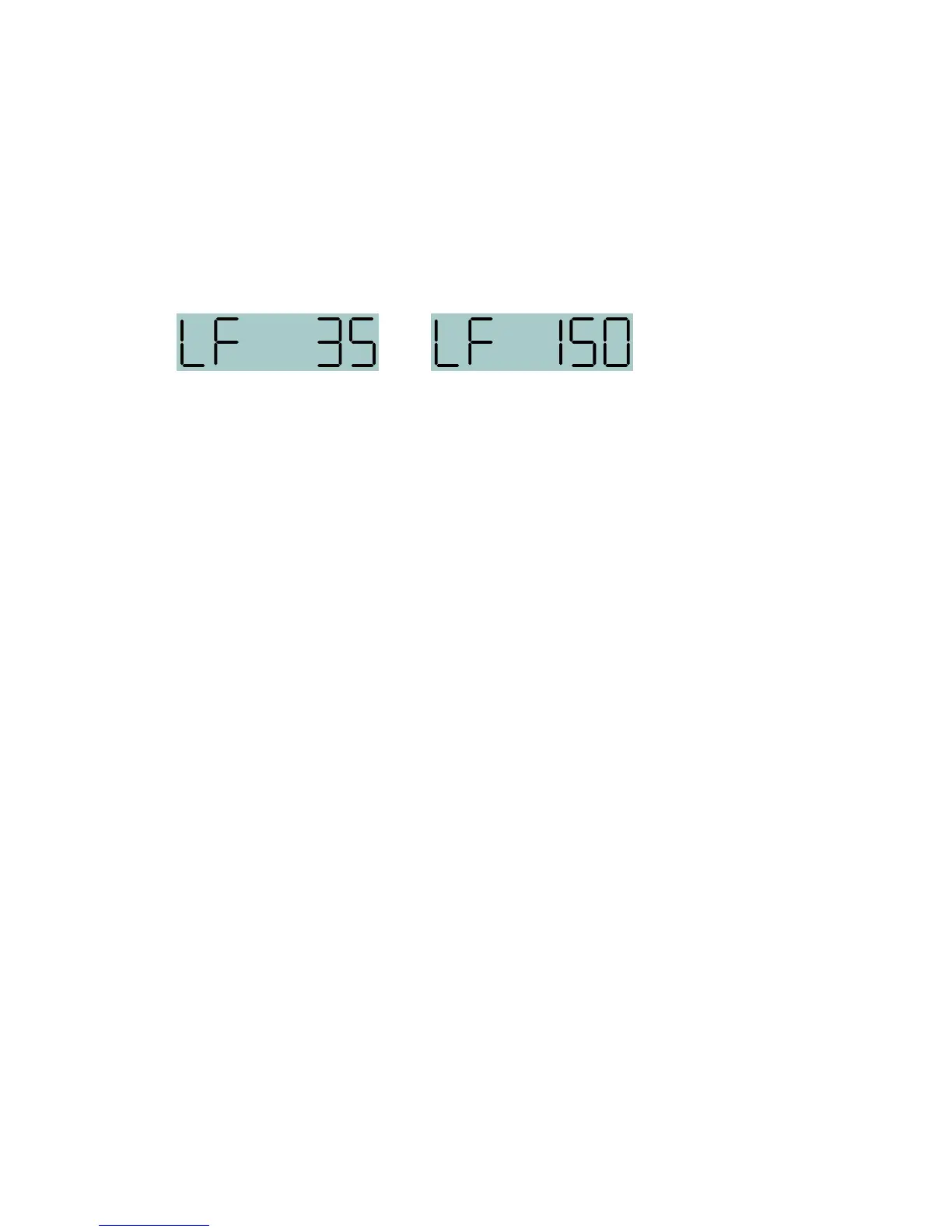
• LF (XX) adjusts the low frequency roll‑off of the audio signal.
• AUD (XX) adjusts the input gain
LF (XX) - Adjusting the Low Frequency Roll-off
Repeatedly press the AUDIO button until the LF roll‑off adjustment screen
appears. Then press and hold the AUDIO button while selecting the desired
roll‑off frequency with the UP and DOWN arrows.
The roll‑off frequency can be set to 35, 50, 70, 100, 120 and 150 Hz.


 To Next Page